Open, create, extract, test and repair ZIP, 7Z, RAR, TAR, GZ, XZ and ZST. One small program with no extra tools.
Windows, macOS and Linux · Installs for your user, no admin rights
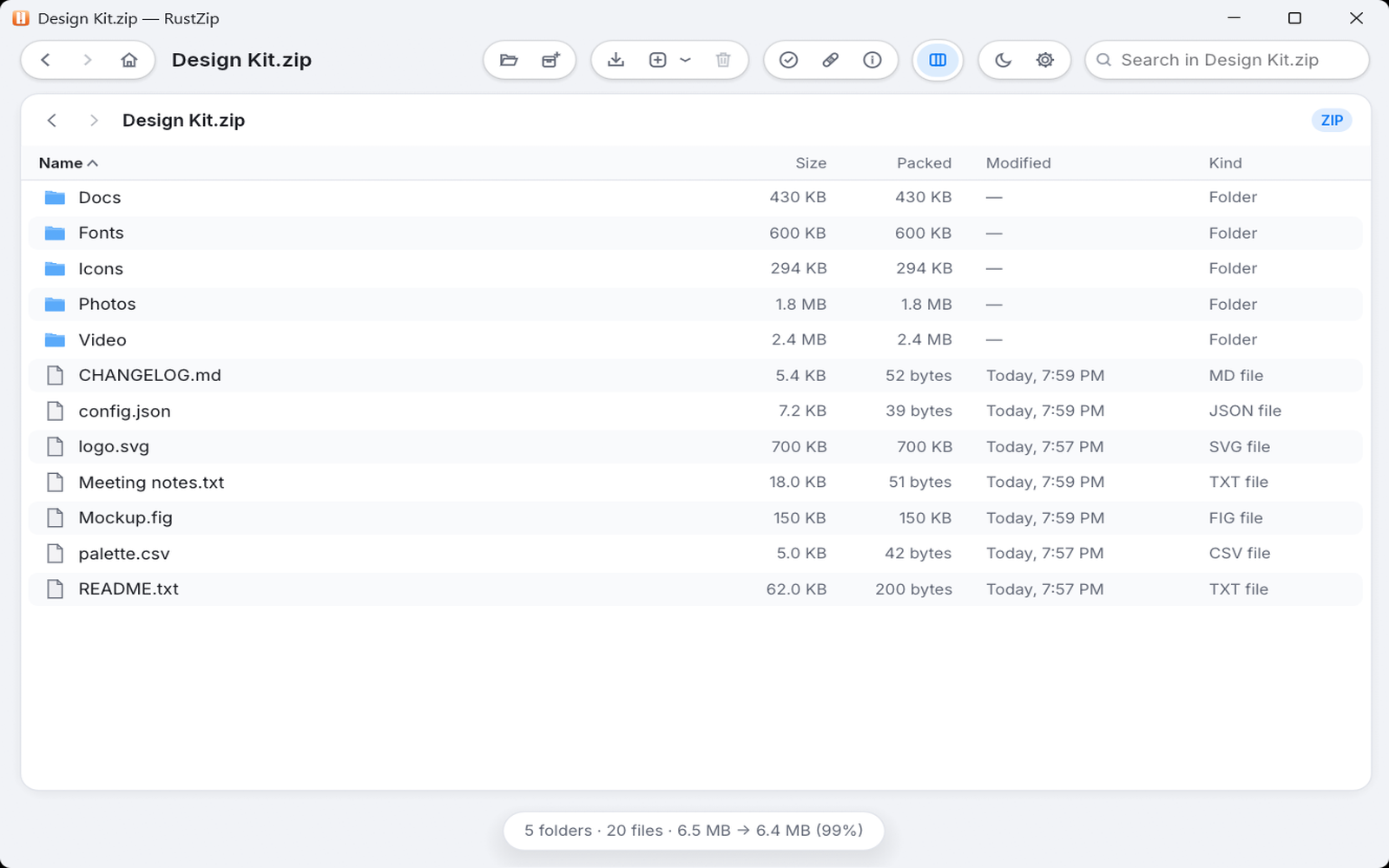
Step into archives like folders and search inside them. Double-click to open a file.
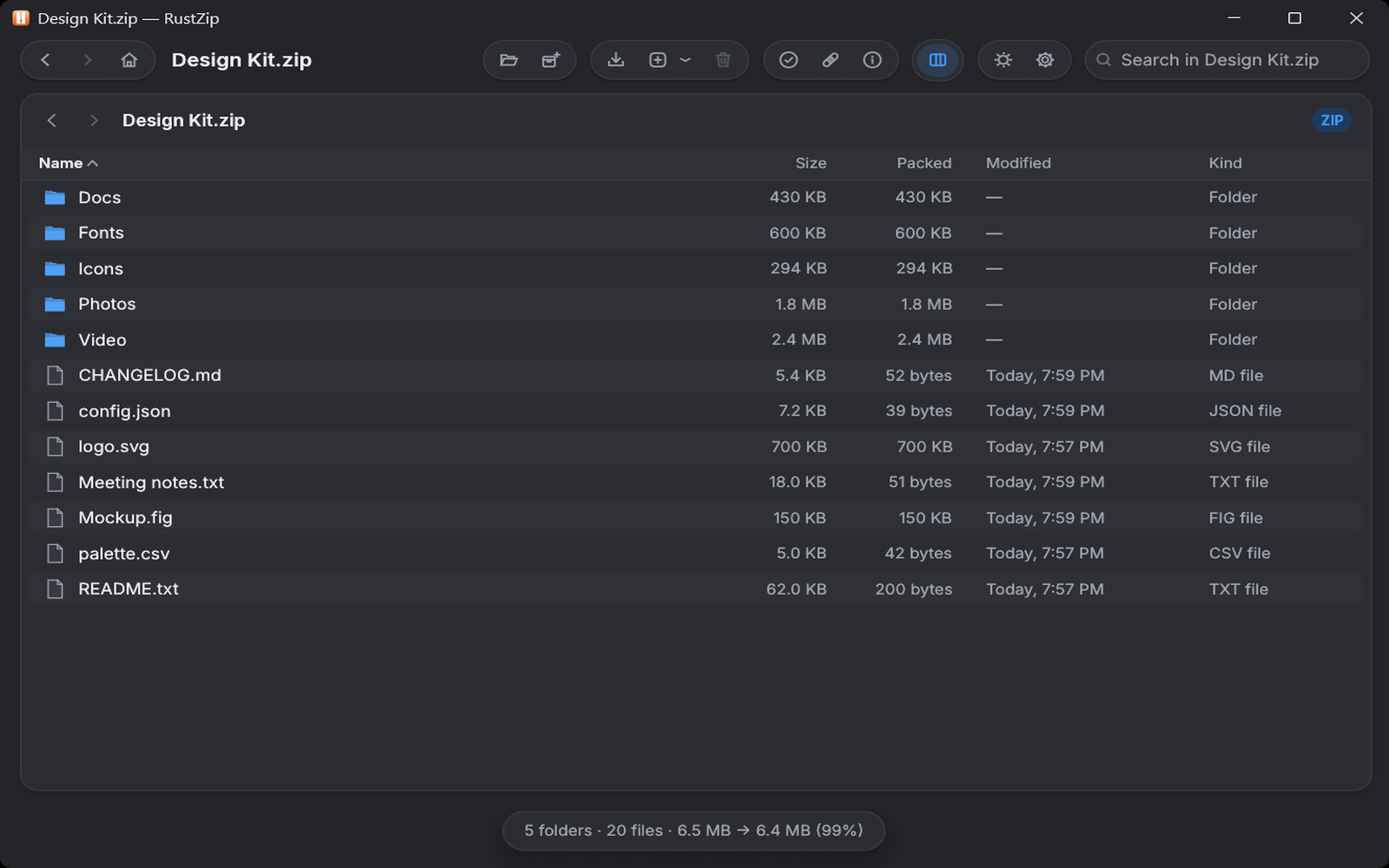
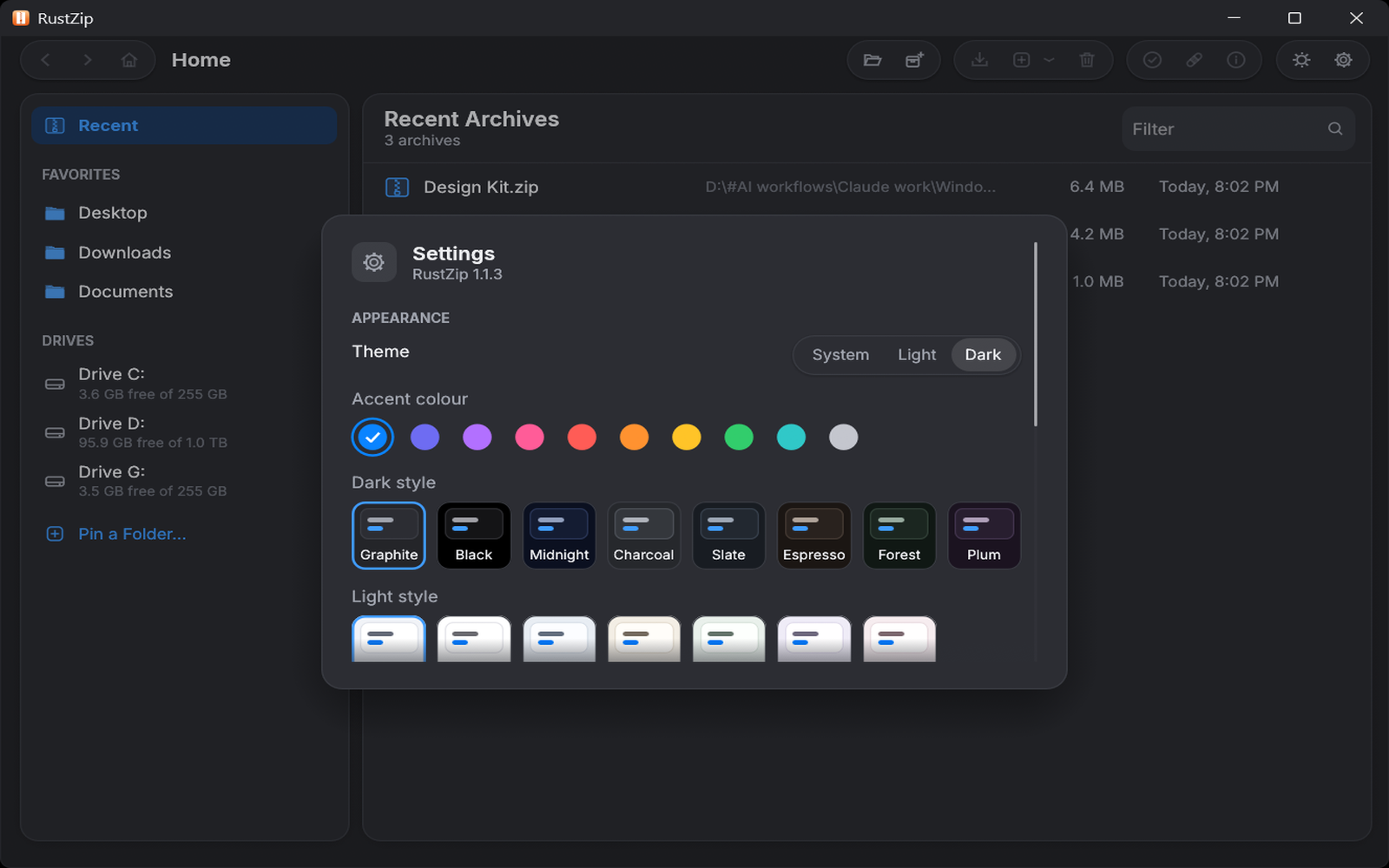
Light or dark, with your choice of accent colour. Pick a window style too.
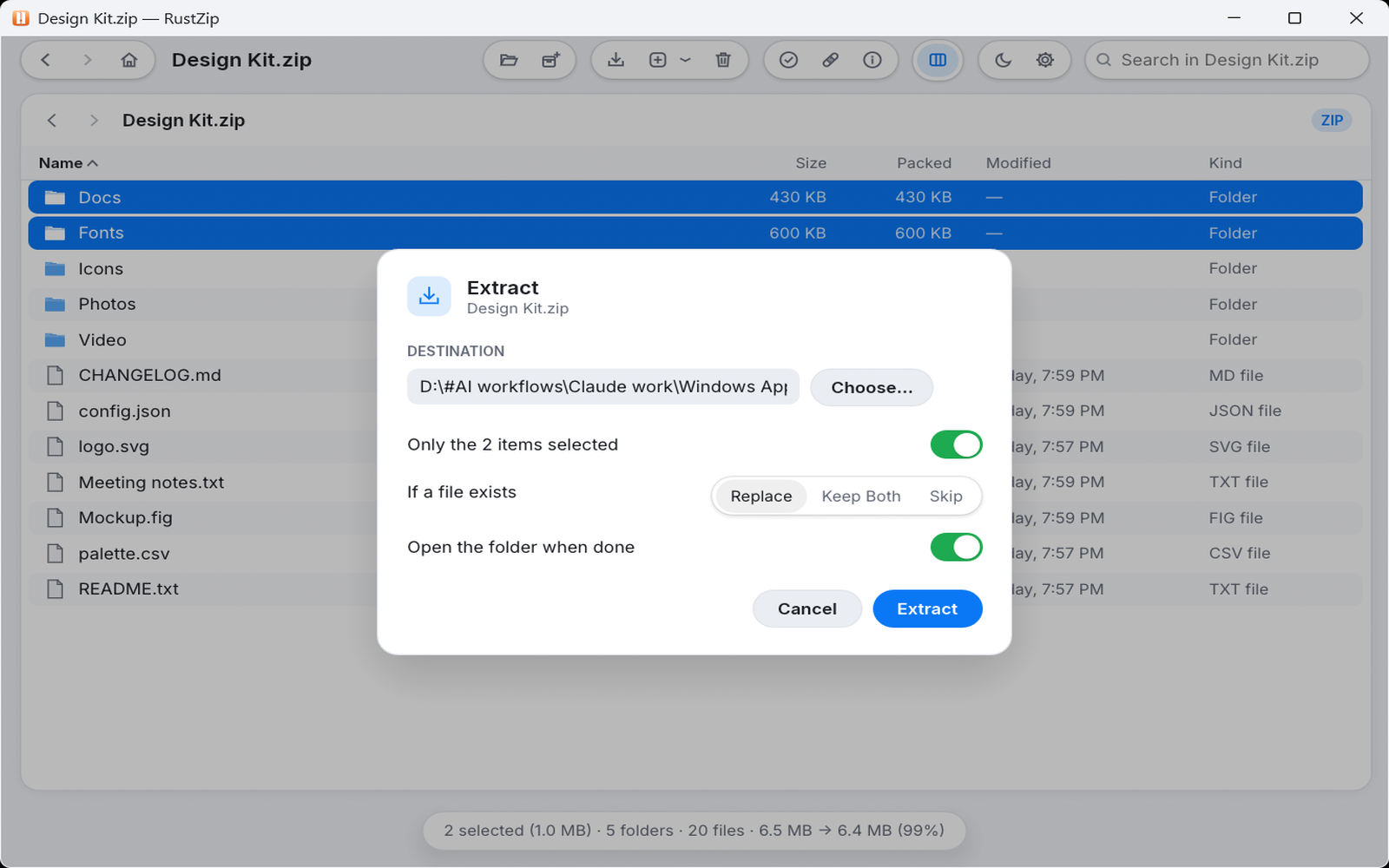
Jobs run in the background. Speed, time left and Cancel.
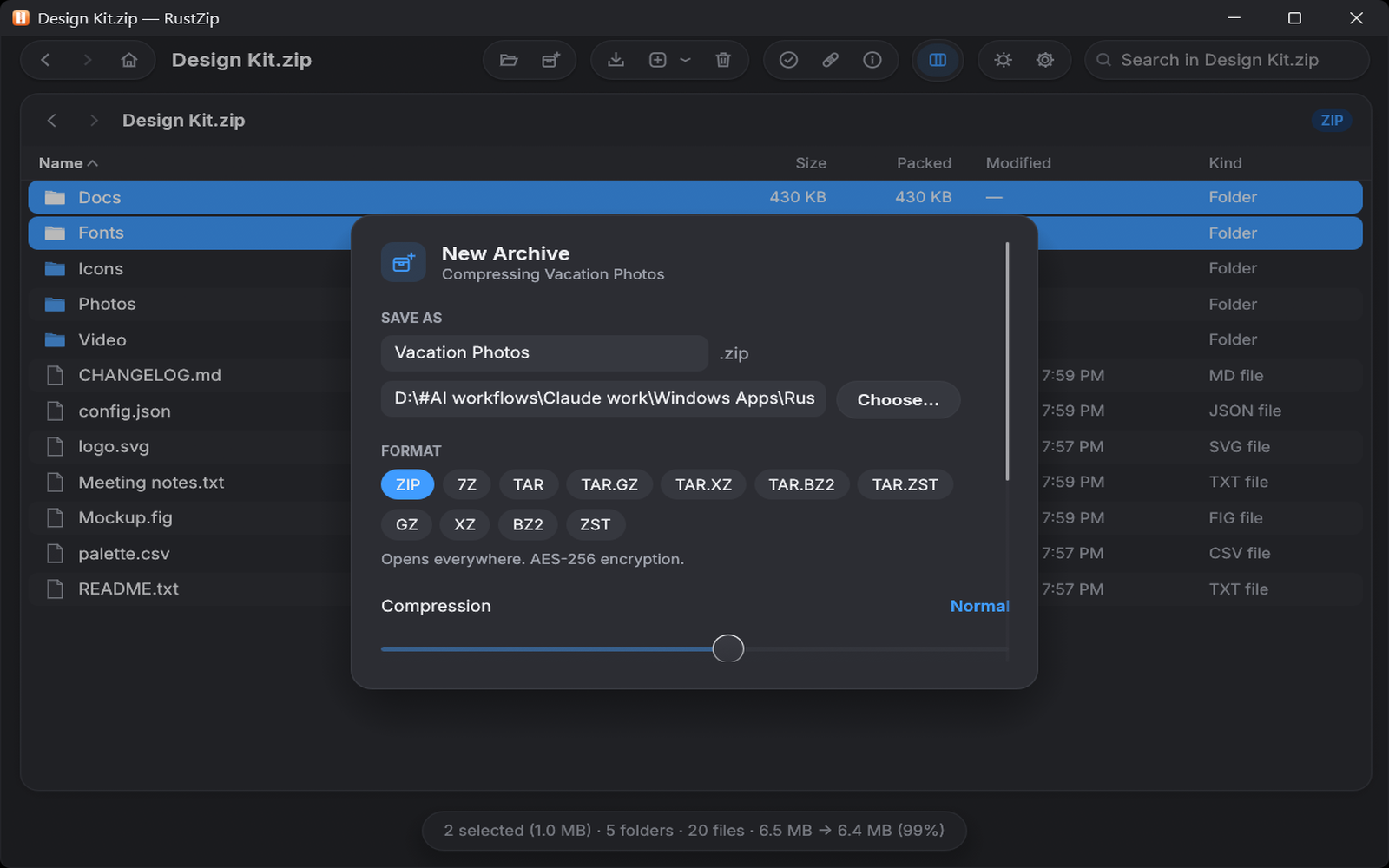
Choose a format and compression level. Then add files.
Rearrange the toolbar. Set RustZip as your default archive app.
One small program for every archive.
Open, test and repair too.
Step into folders, search the whole archive and double-click to open a file.

A theme, a window style and an accent colour.
Make RustZip match the rest of your desktop.

Jobs run in the background.
See speed and time left for each job, and cancel any time.

Choose a format and compression level.
Pick the format and level, then add your files.

Toolbar, defaults and more.
Put the buttons you use where you want them and set RustZip as the default app.

Open, create, extract, test and repair, with no extra tools to install.
Three choices that change how RustZip looks.

Download, install and you are done.
RustZip-Setup-1.1.3.exe. If SmartScreen appears, click More info, then Run anyway.Release notes for RustZip.
.apk files are no longer treated as zip archives: they are not listed on the Home screen and RustZip no longer adds its menu or file association to them. Existing .apk registrations are cleaned up when RustZip updates.First release.
.part1.rar, .r00) and header-encrypted archives..001, .002, …) with CD, DVD and FAT32 presets. Split sets open transparently..AppImage and macOS .dmg packaging.No. It installs for your user, and everything it adds is optional and removed on uninstall.
ZIP, 7Z, RAR, TAR, GZ, XZ, ZST and more.