New: a Gadgets section with unboxing videos and Amazon links.
Take a look →Meet your new favourite apps.
Twelve free apps for Windows, macOS, Linux and Android TV, built to be fast, clean and private. Plus the gadgets I recommend.
Free · Windows, macOS, Linux and Android TV · No account needed
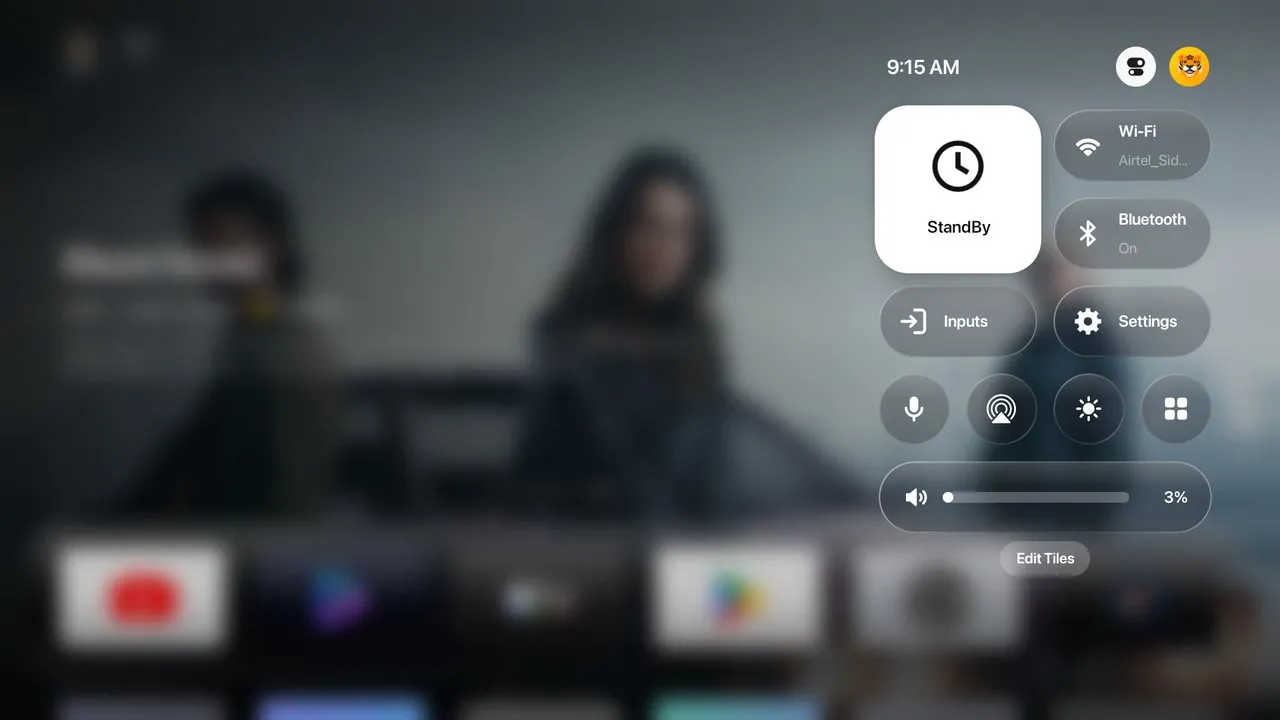
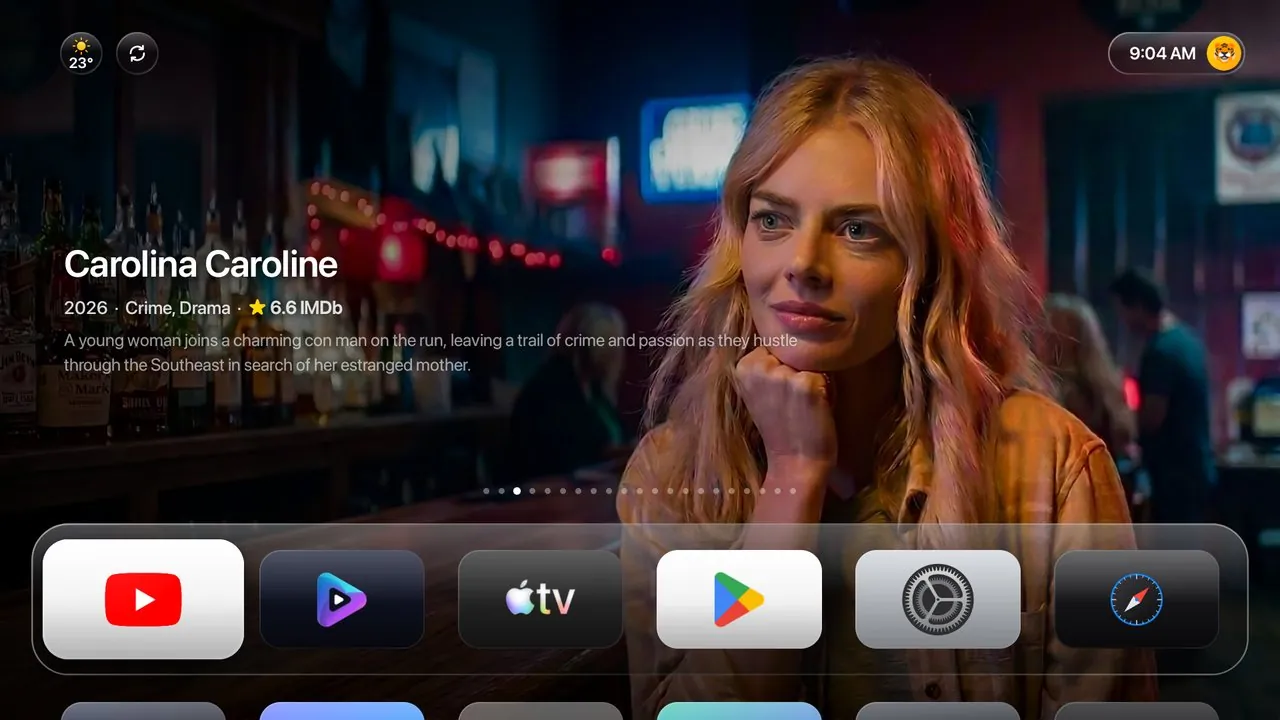
 tvOS Launcher
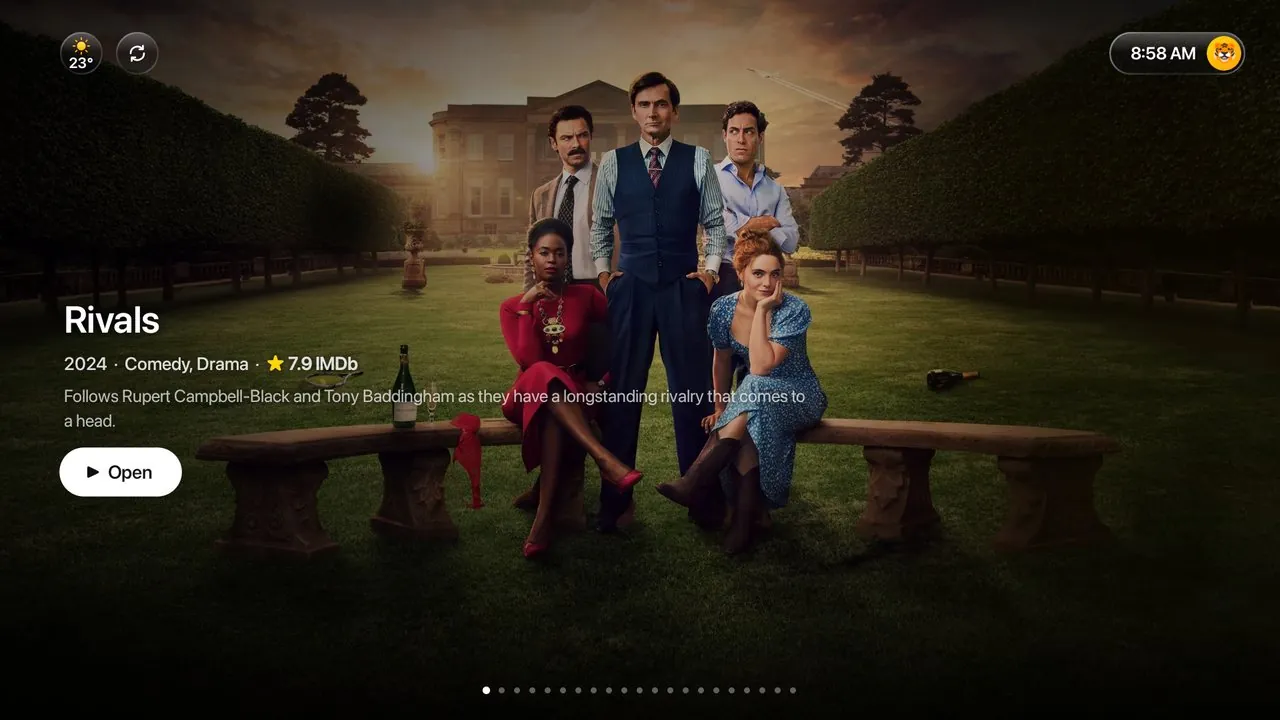
A tvOS-style home screen for Android TV. Made for the remote and the big screen.
Learn more about tvOS Launcher → File Manager TV
Clean up your TV from the couch. Storage cleaner and APK extractor, built for the D-pad.
Learn more about File Manager TV → MacDock
The Mac dock, on Windows 11. Icons grow as you move across them.
Learn more about MacDock → Windows Files
A Finder-style file manager for Windows. Quick Look, columns and split panes.
Learn more about Windows Files → Gallery
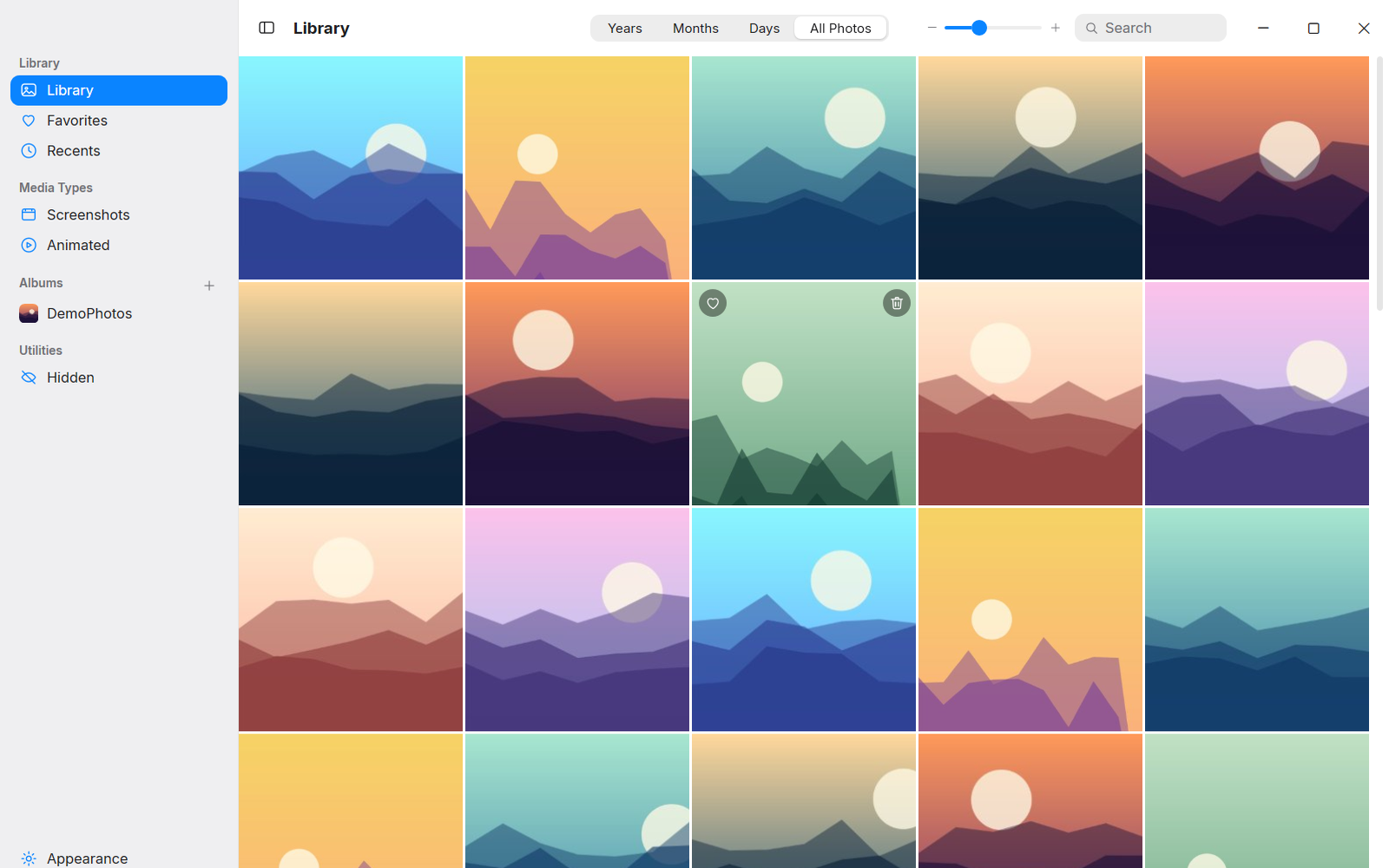
Browse your photos by year, month or day. Edit without touching the originals.
Learn more about Gallery → RustZip
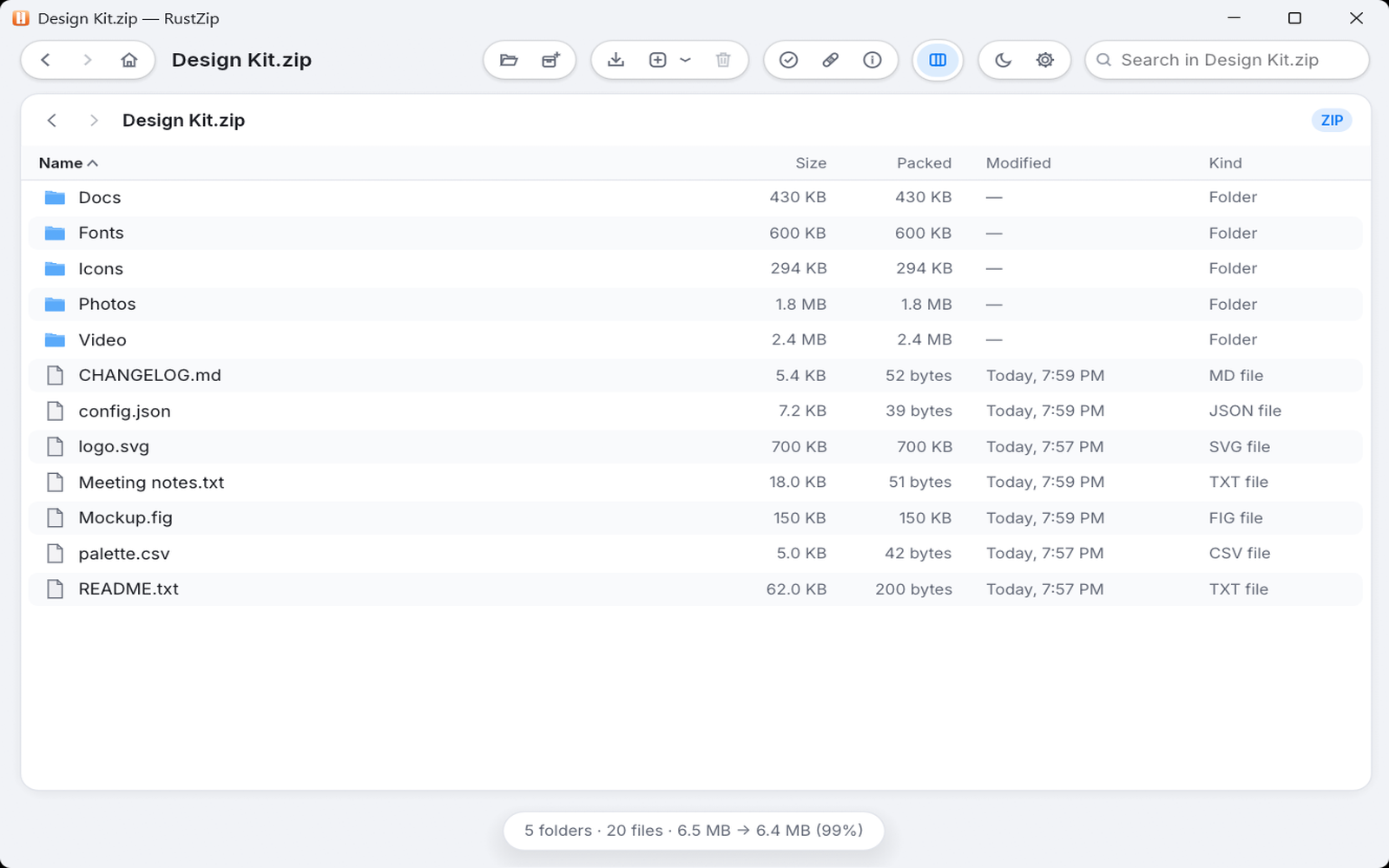
Step into archives like folders and search inside them. ZIP, 7Z, RAR and more.
Learn more about RustZip → Video Player
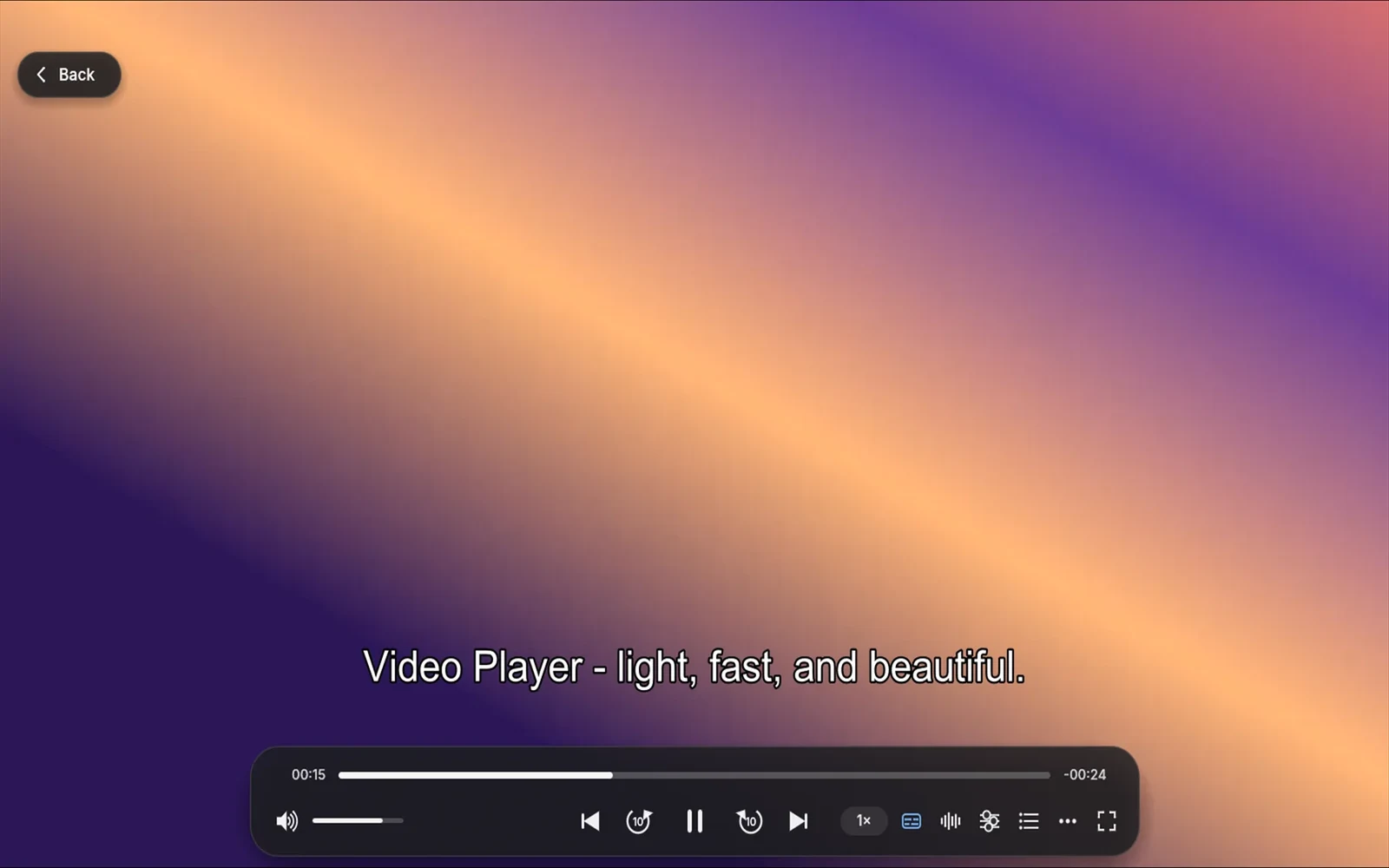
A light, fast media player for Windows. Floating controls and 15 themes.
Learn more about Video Player → 3 Finger Drag
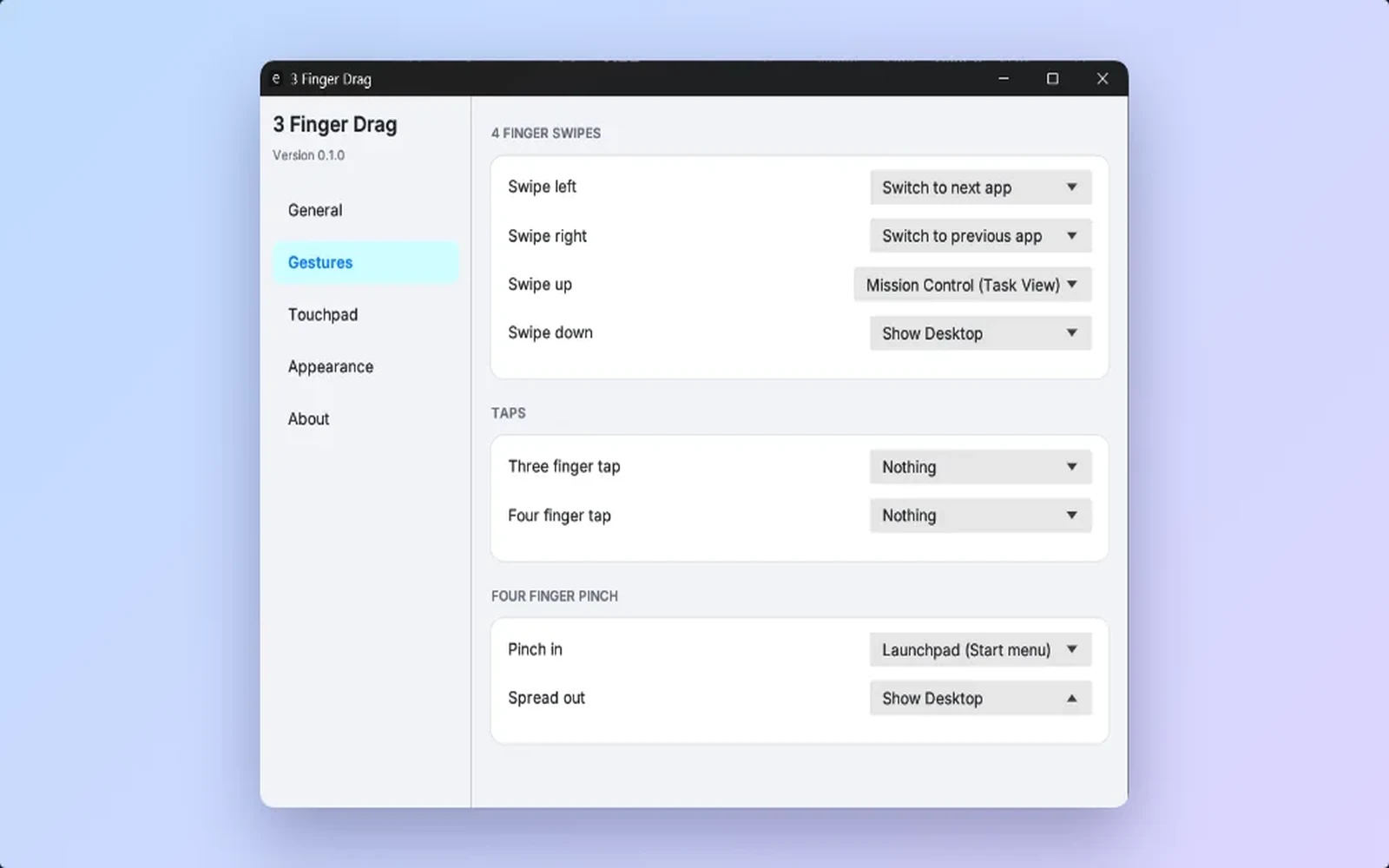
Mac-style touchpad gestures for Windows. Three finger drag and custom swipes.
Learn more about 3 Finger Drag → Brightness Controller
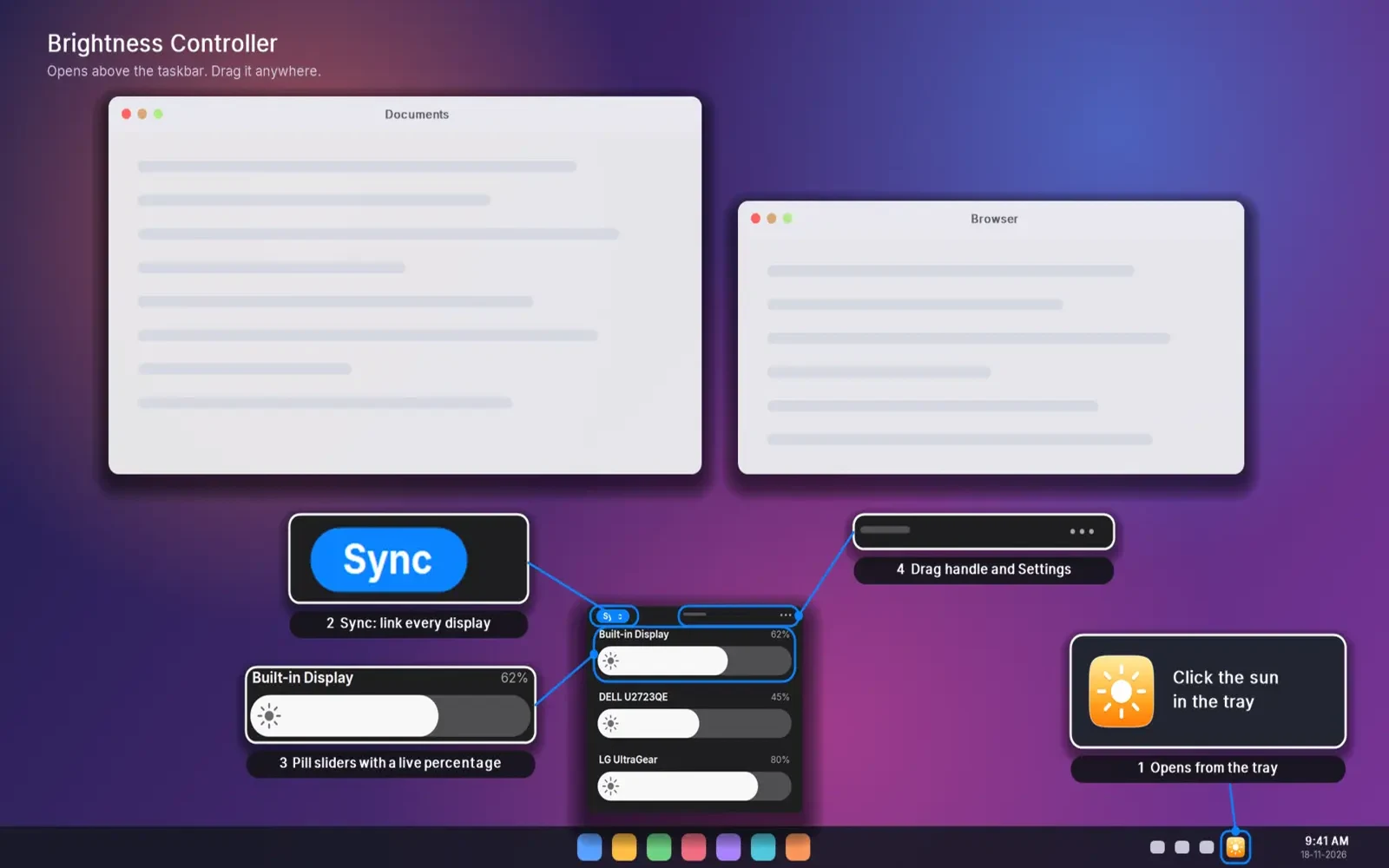
One tray control for every display. Laptop screens and external monitors.
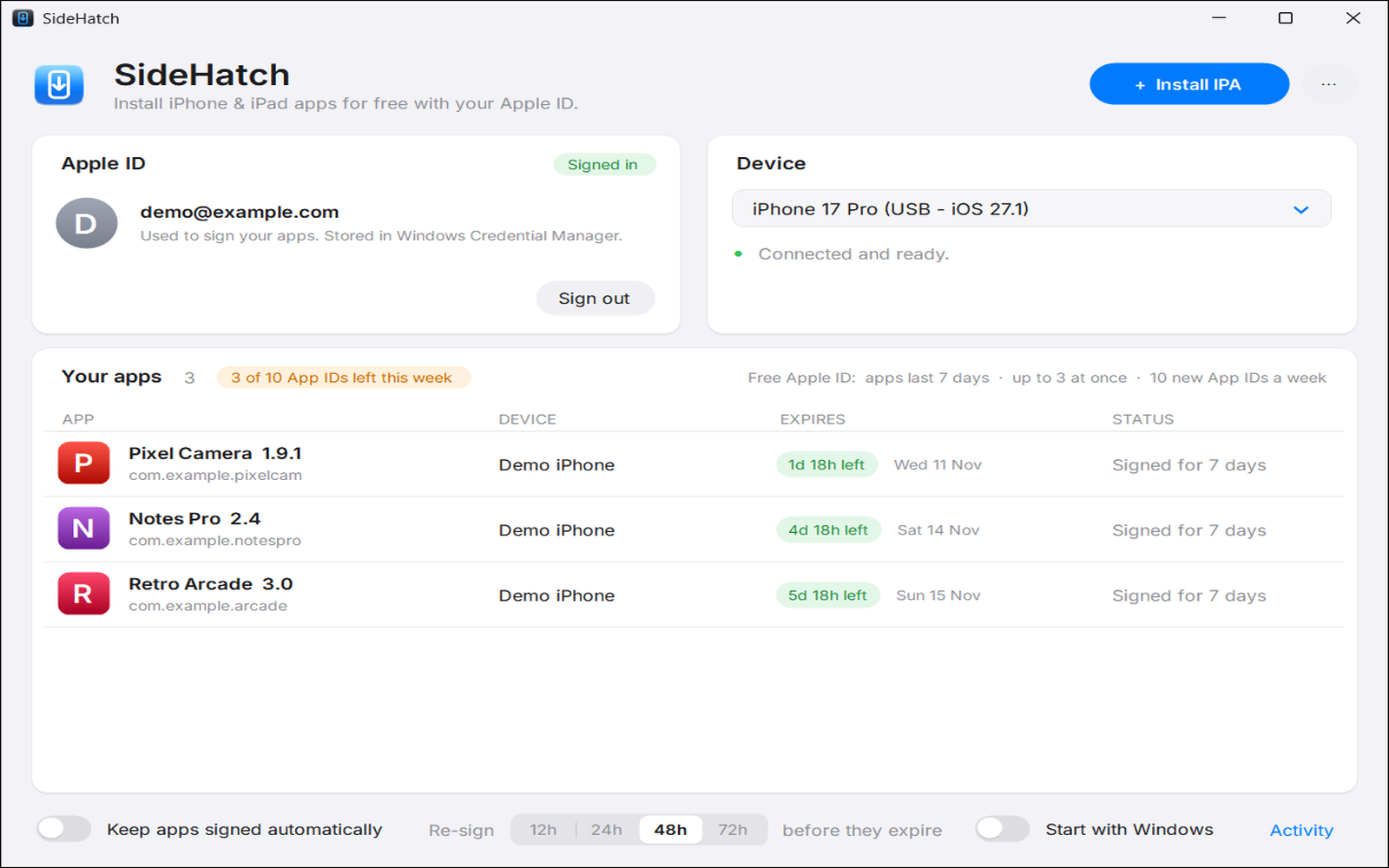
Learn more about Brightness → SideHatch
Pick an IPA and it lands on your iPhone. Sideload from Windows with a free Apple ID.
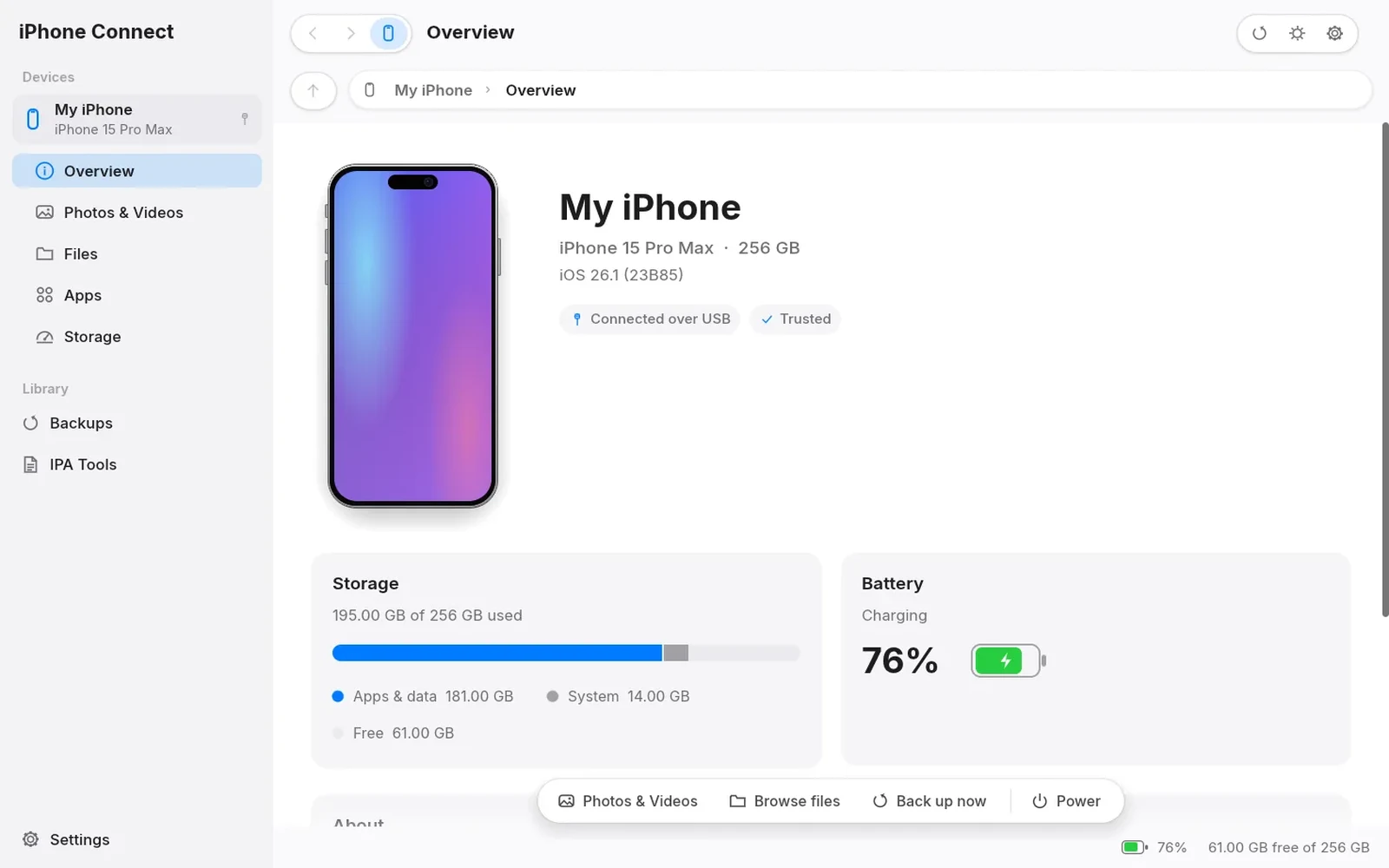
Learn more about SideHatch → iPhone Connect
Photos, files, backups and a storage cleaner. Light, private and native.
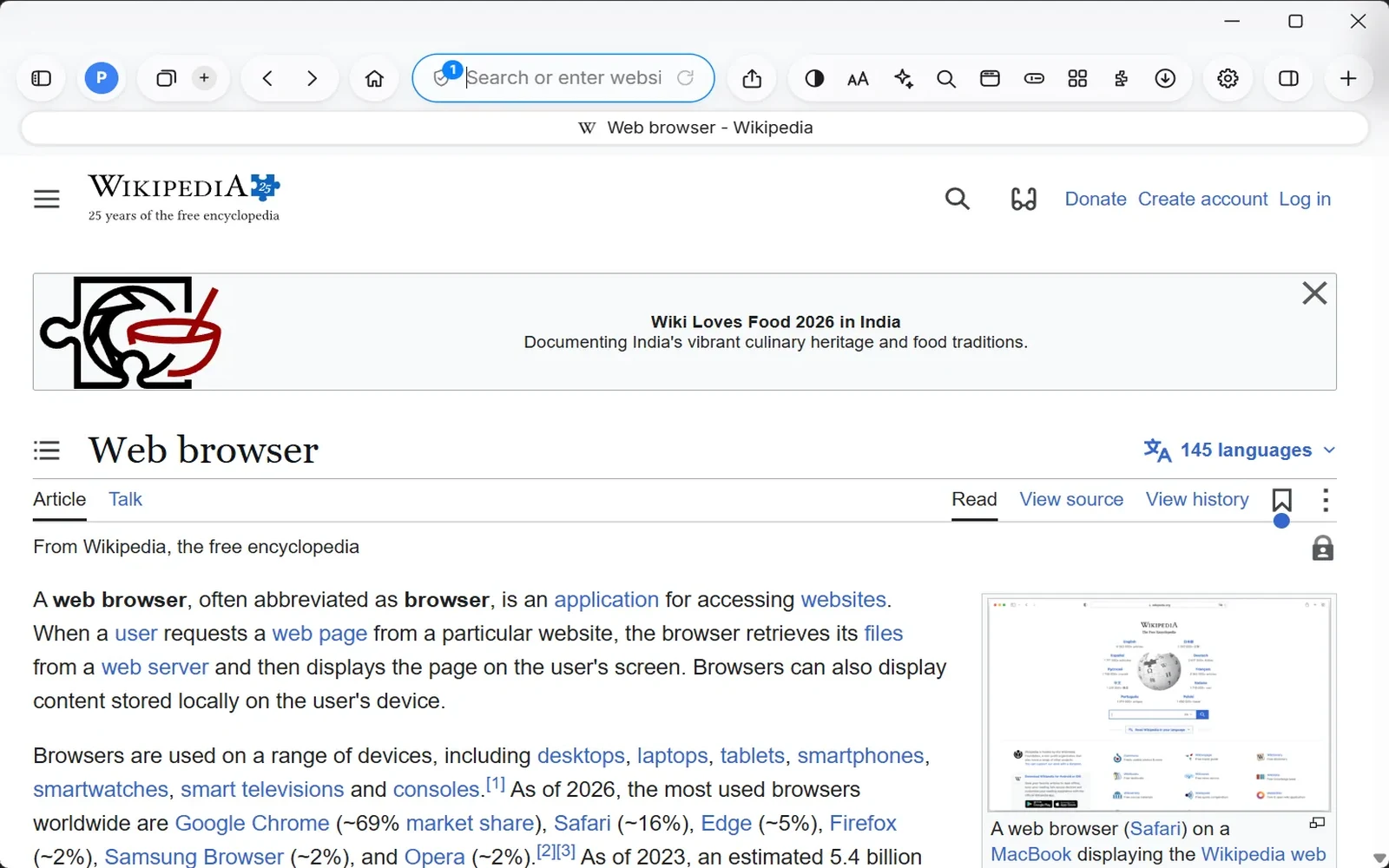
Learn more about iPhone Connect → Safari for Windows
Live glass behind the toolbar. Shields, 18 themes and a Start Page.
Learn more about Safari for Windows →14free apps
5platforms
0accounts needed
100%private, on-device
FeaturedAndroid TV
tvOS LauncherFree · Android 5.0+
A tvOS-style home screen for your Android TV.
A clean launcher designed for the remote and the big screen.
- Android TV / Google TV, Android 5.0 or newer
- Standard edition to sideload by hand
- Full edition to sideload
The appsEverything I've built
Open an app's page for screenshots, install steps and downloads.
Android TVFeatured
tvOS Launcher
A tvOS-style home screen launcher for Android TV.
4.0 is coming soon. Use 3.3 until then.
- Designed for the remote and the big screen
- Android 5.0 or newer
- Standard and Full (sideload) editions
Learn more →Android TVFile Manager TV
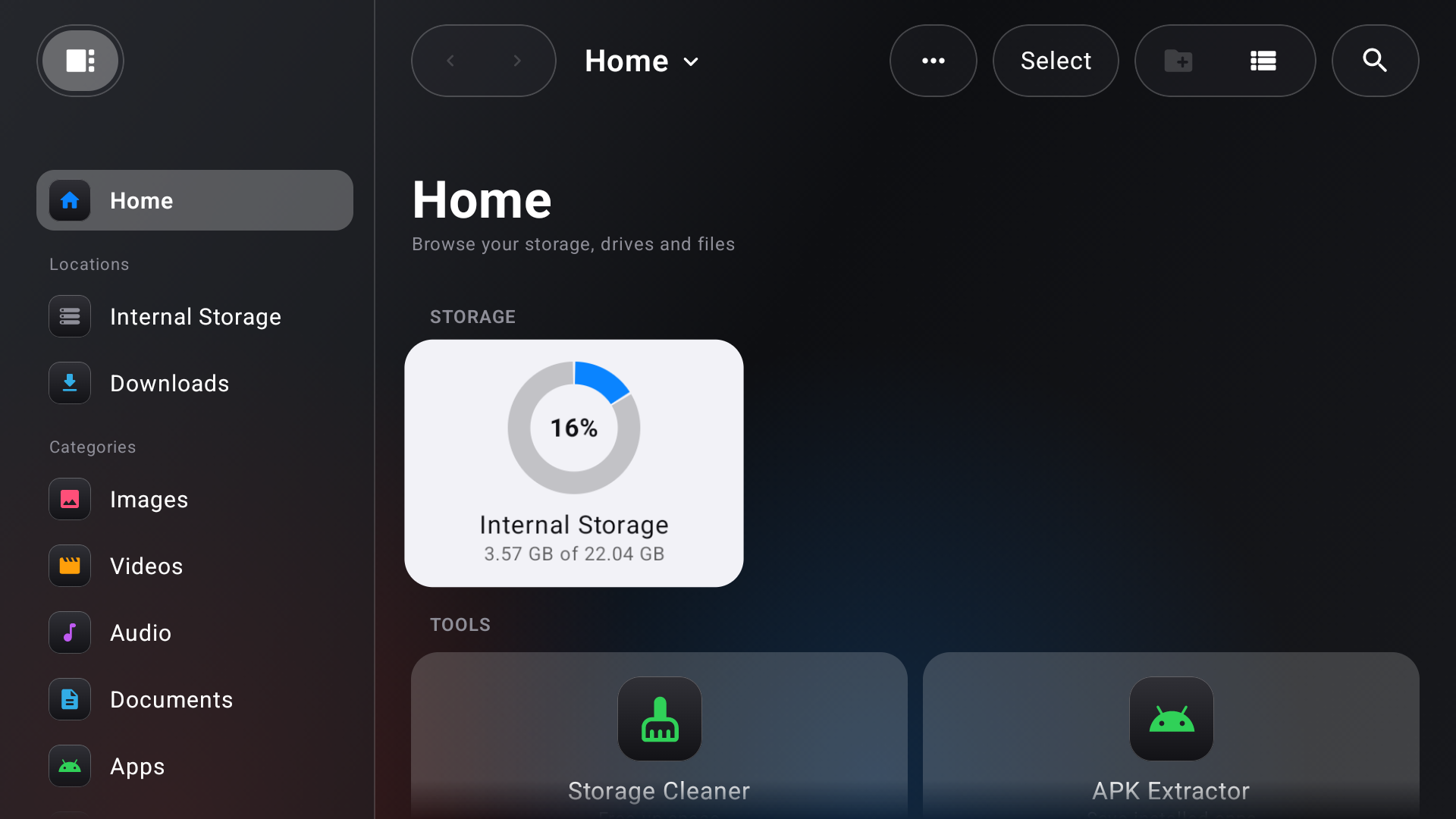
A file manager made for the remote.
- Storage Cleaner and APK Extractor
- Sidebar or floating top bar layouts
- 7 themes, or your own background
Learn more →
Windows 11MacDock
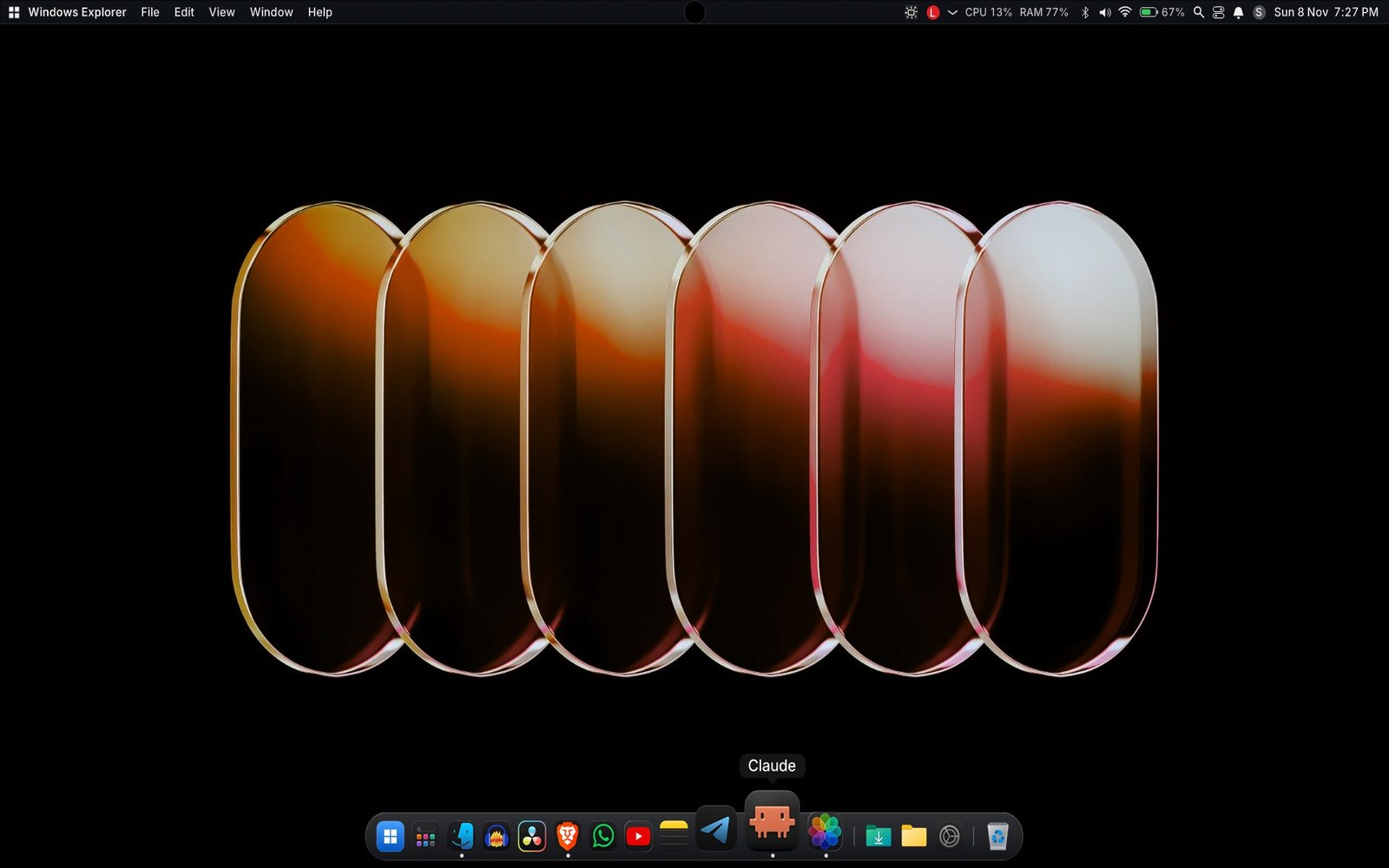
A macOS-style dock and menu bar for your desktop.
- Magnifying dock, Launchpad and Control Center
- Light and dark icon sets
- Runs without admin rights or an SDK
Learn more →
WindowsWindows Files
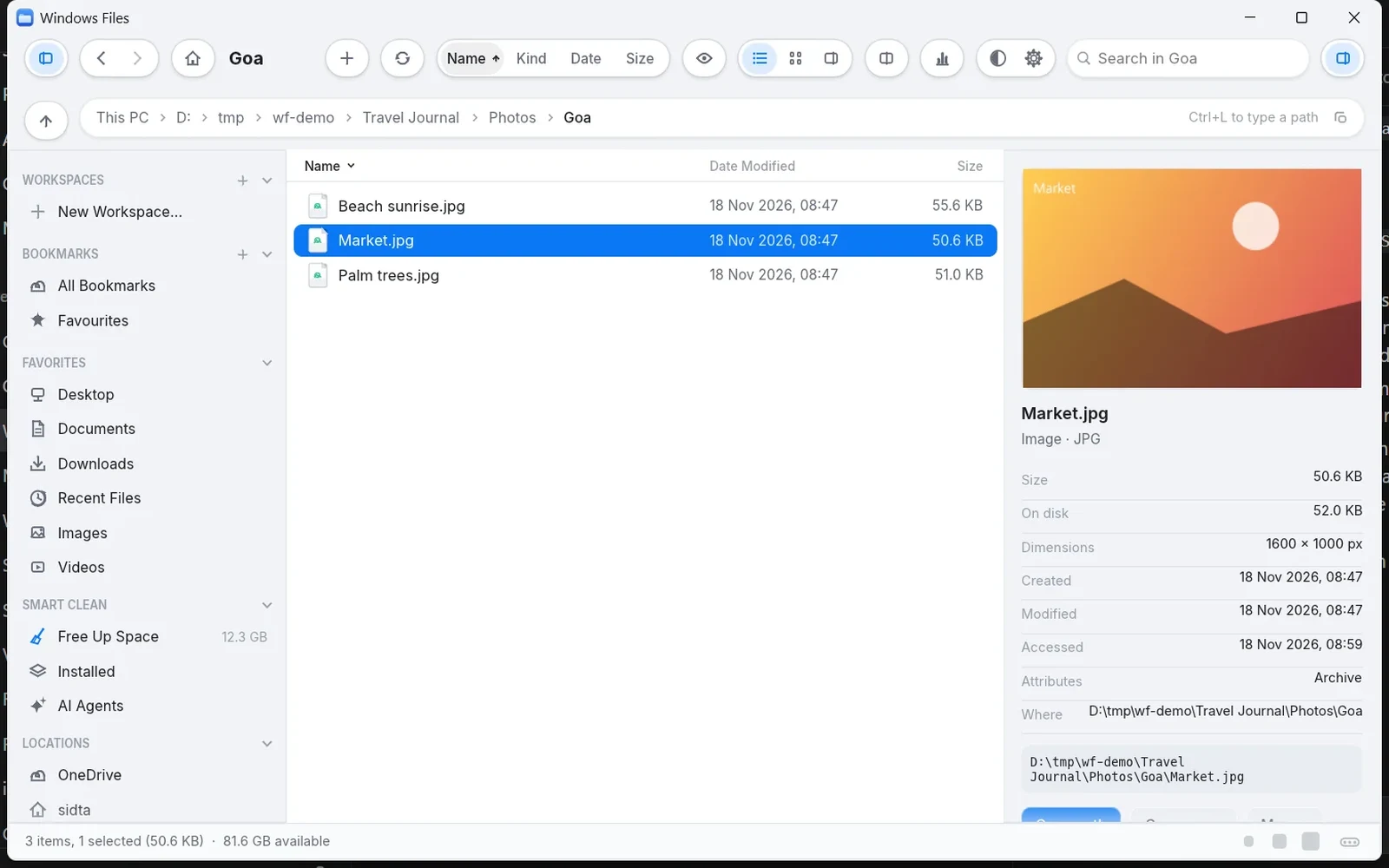
A Finder-style file manager for Windows 10 and 11.
- Quick Look, column view and up to six panes
- Ctrl+K palette and search inside files
- Smart Clean to free up disk space
Learn more →
Windows 10/11Gallery for Windows
A fast, native photo gallery that never uploads or changes your pictures.
- Browse by years, months and days
- Lightbox with filmstrip, zoom and slideshow
- Built-in editor that saves a copy
Learn more →
Windows · macOS · LinuxRustZip
A fast archive manager with a clean look.
- Opens ZIP, 7Z, RAR, TAR, GZ, XZ and ZST
- Create, extract, test and repair
- Background jobs with progress and Cancel
Learn more →
WindowsVideo Player
A light, fast media player for Windows.
- Floating control bar, 15 themes
- Subtitles, equalizer and resume
- Plays what FFmpeg plays
Learn more →
Windows3 Finger Drag
Mac-style three finger drag for Windows touchpads.
- Move windows with three fingers
- Map every swipe, tap and pinch
- Lives in the system tray
Learn more →
Windows 10/11Brightness Controller
One tray panel for the brightness of every display.
- A slider per screen, with optional Sync
- Works with laptop screens and DDC/CI monitors
- About 1.2 MB, idles at about 2 MB
Learn more →
Windows 10/11SideHatch
Install IPA files on your iPhone from Windows.
- Plug in and drag an IPA onto the window
- A free Apple ID is enough
- Optional automatic re-signing with SideHatch Plus
Learn more →
Windows 10/11iPhone Connect
A companion for iPhone and iPad on Windows.
- Photos and Files like a folder
- Backups, storage cleaner and IPA tools
- About 5 MB when idle
Learn more →
Windows 10/11Safari for Windows
A fast, glass-look browser for Windows.
- Live GPU glass and 18 themes
- Built-in Shields and private windows
- Runs on the WebView2 engine
Learn more →
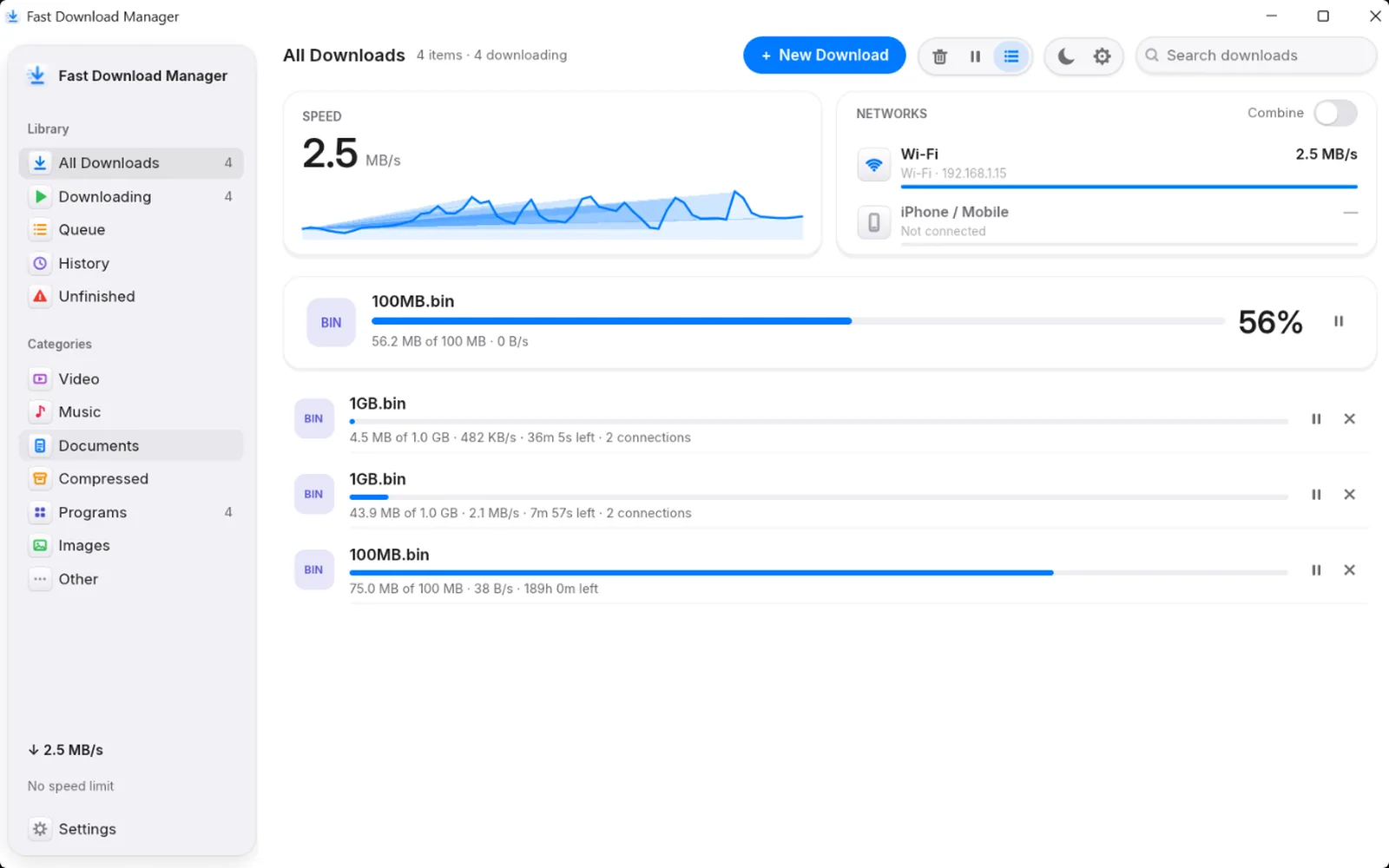
Windows 10/11 Fast Download Manager
A fast, light download manager for Windows.
- Up to 32 pieces per file, pause and resume
- YouTube video and MP3, browser capture
- About 1 MB when idle
Learn more →
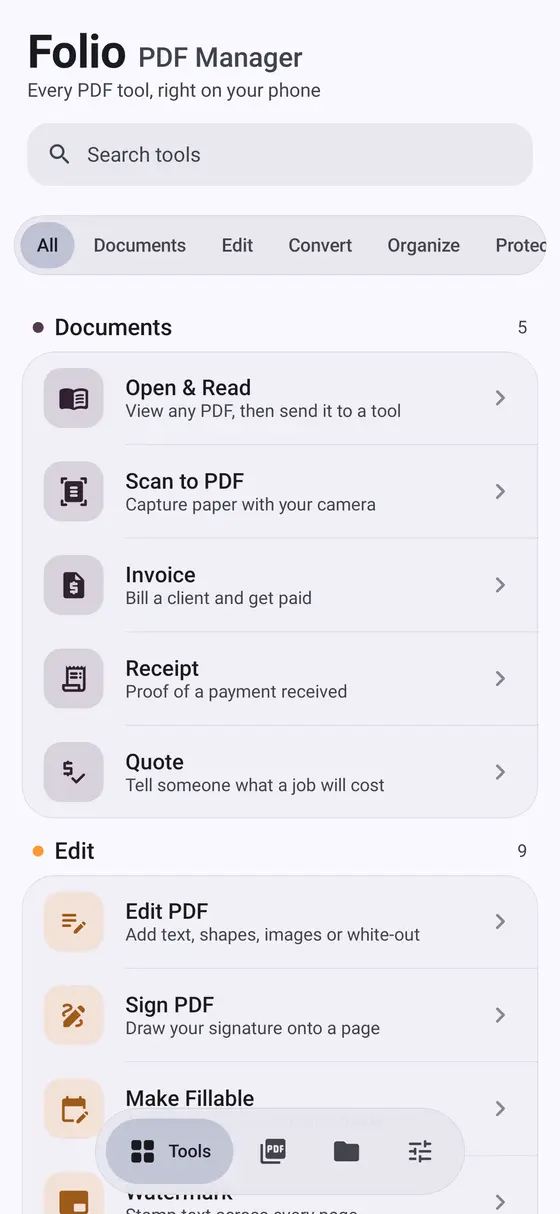
Android Folio PDF Manager
A lightweight PDF manager with 41 tools that run on your phone.
- Scan, edit, merge, convert and sign
- Lock PDFs with AES-256
- Nothing is uploaded
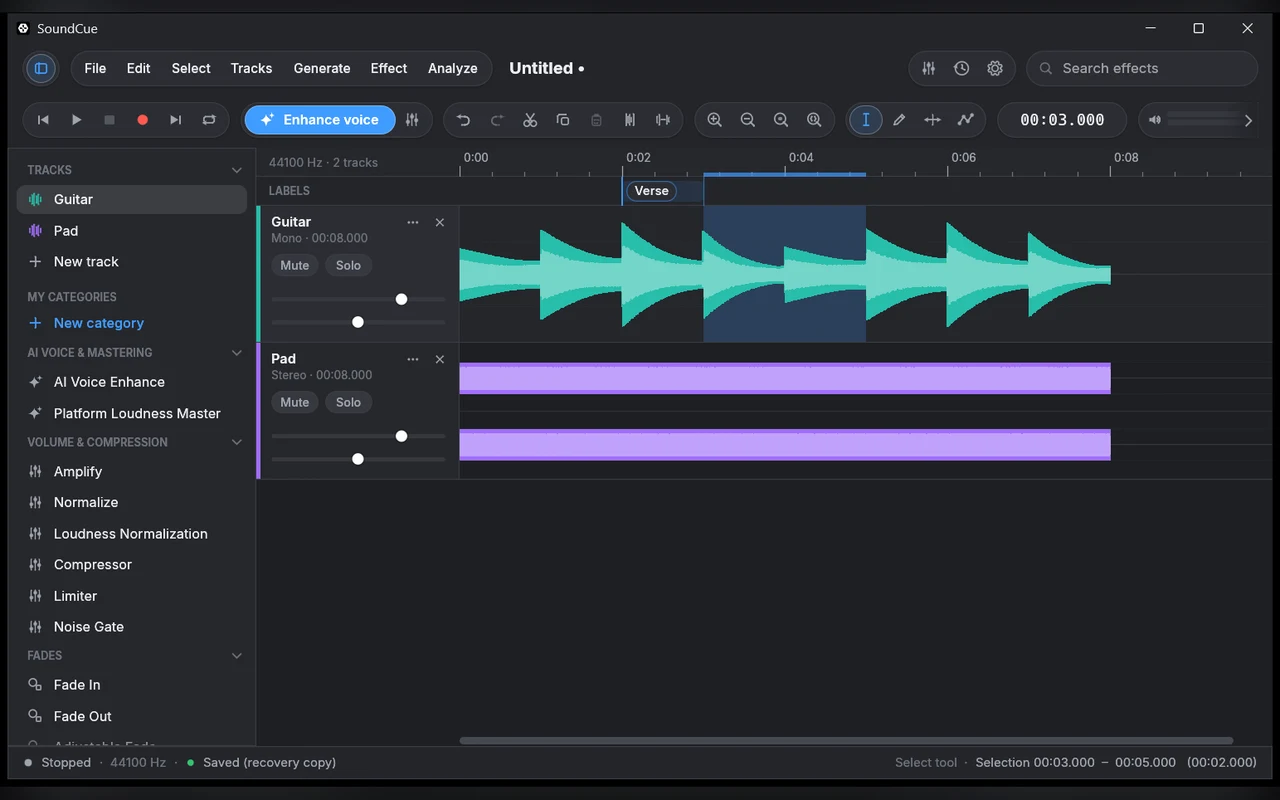
Learn more → Windows · iPad · iPhone SoundCue
A fast multitrack audio editor with one-click AI voice enhancement.
Coming soon.
- One-click AI Voice Enhance
- Export presets for YouTube, TikTok, Spotify and more
- 41 effects, mixer, spectrogram and macros
Learn more →
At a glance
Find the right app
FAQ
Questions, answered
Where do I download the apps?
Open an app from the Apps page. Its own page has the Download button and the install steps.
Does MacDock need admin rights?
No. It installs for your user and needs no SDK.
Does Gallery upload my photos?
No. It runs locally and never modifies your originals. Edits are saved as copies.
How do I install the TV apps?
Copy the APK to your TV with a USB drive or a sideload app, or use adb. The steps are on each app's page.
Join the community.
Watch, follow and join the community for updates and help.