Get the apps
Apps › Windows › SideHatch
NewSee what's new in SideHatch
FreeVersion 0.3.0Windows 10 and 11

Plug in your device, pick an IPA, and it lands on your home screen. A free Apple ID is enough.

Windows 10 and 11 · Installs for your user only
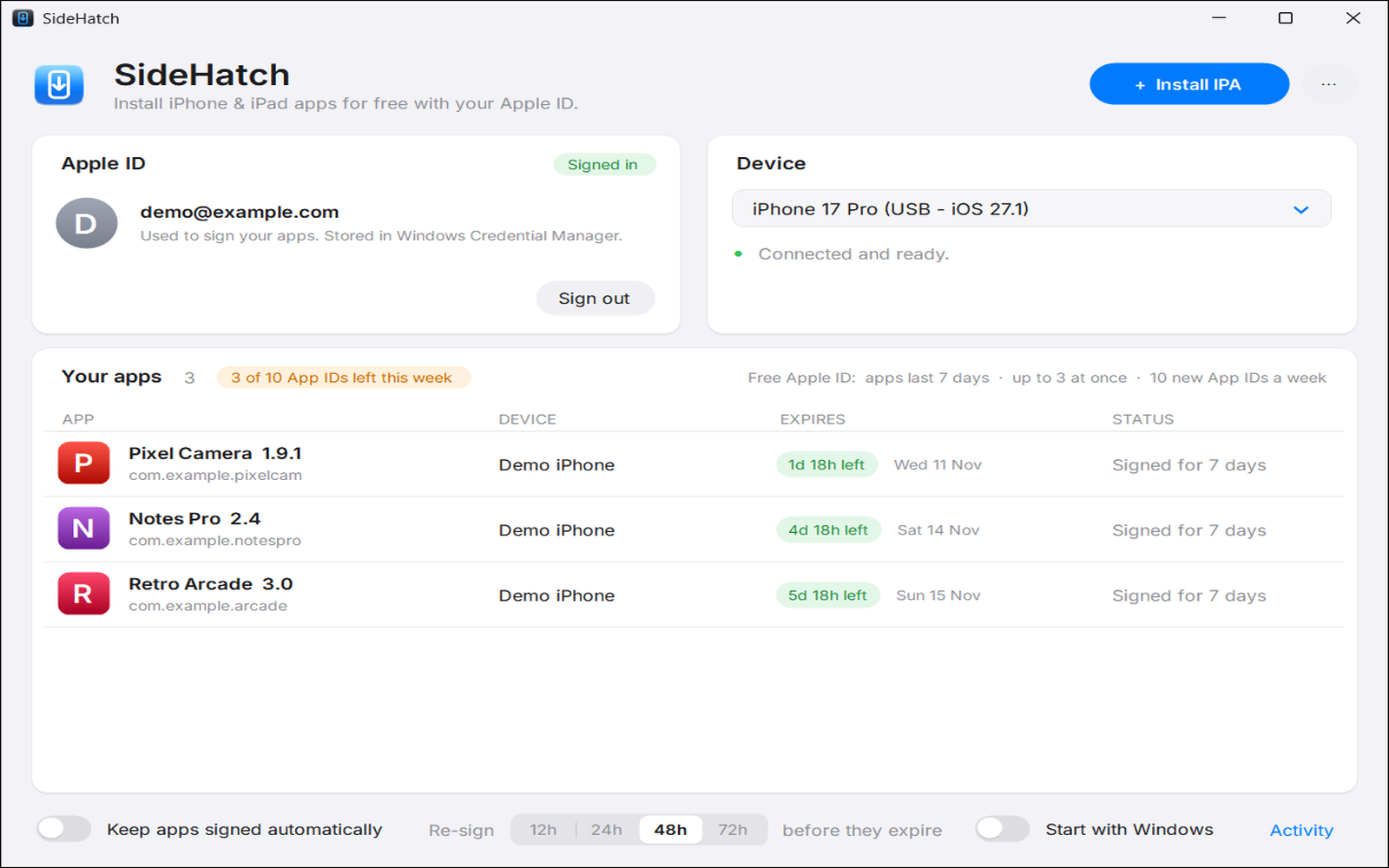
Install

Plug in, pick an IPA, done. Devices are detected automatically.
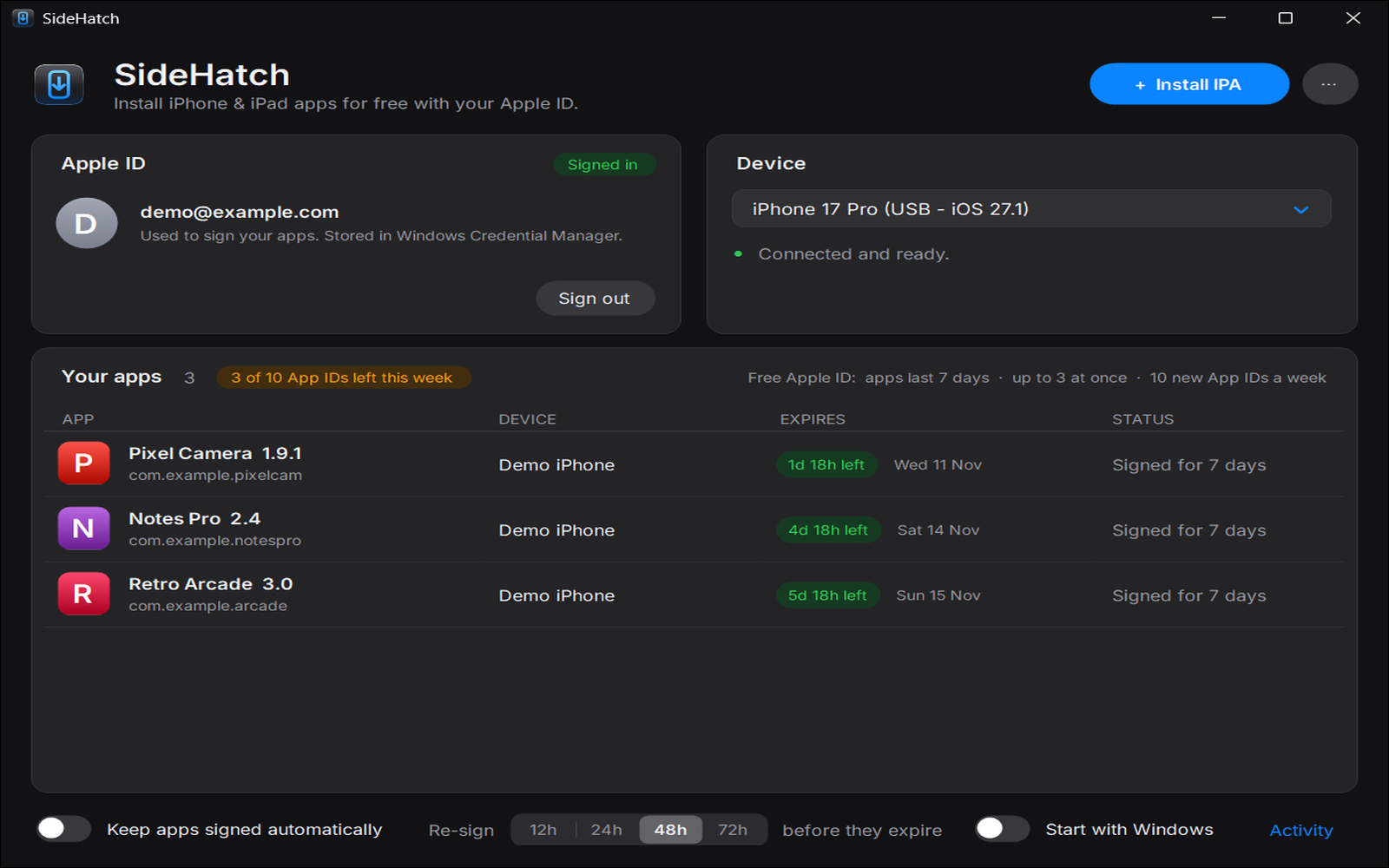
Dark

Follows your Windows theme. Light and dark.
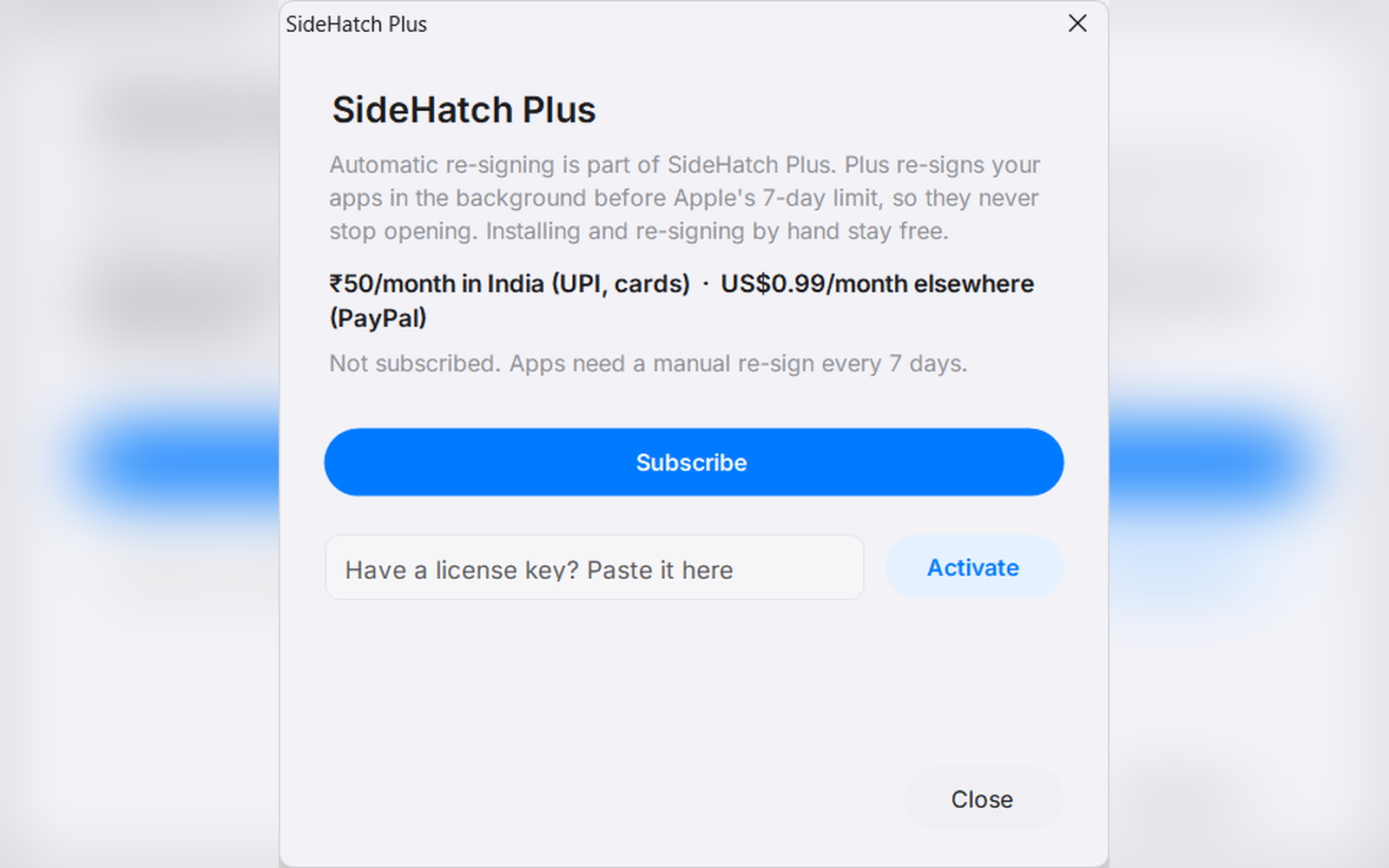
Plus

Optional SideHatch Plus renews your apps. Automatic re-signing in the background.

Four things SideHatch does

Sideloading, without the fuss.

Plug inInstall in one dragDevices are detected automatically. Drag an IPA onto the window.
Apple IDA free ID is enoughSign in with your Apple ID. No paid developer account needed.
Re-signingRenew automaticallyOptional SideHatch Plus renews your apps in the background.
ThemeLight and darkFollows your Windows theme.
Install

Plug in and install.

Pick an IPA and it lands on your home screen.

Connect your iPhone or iPad and sign in with your Apple ID.

  • Devices are detected automatically
  • Drag an IPA onto the window
  • A free Apple ID is enough
SideHatch main window
Theme

Light and dark.

Follows your Windows theme.

SideHatch matches how the rest of Windows looks.

SideHatch dark
Plus

Automatic re-signing.

Optional SideHatch Plus.

It renews your apps in the background.

SideHatch Plus

A closer look

Apple's limits

These come from Apple, not from SideHatch.

3apps per device
7 daysbefore they expire

Which apps work

SideHatch installs your own IPA files.

IPA filesSupported
App Store appsRefused (encrypted)

Free. No account.

SideHatch app icon
SideHatchIPA installer
Price
Free
Version
0.3.0
Runs on
Windows 10 and 11
Install
For your user only
Free

Download, install and you are done.

Coming soon

Install in three steps

  1. Download SideHatch-Setup-0.3.0.exe and run it. It installs for your user only.
  2. Connect your iPhone or iPad and sign in with your Apple ID.
  3. Click Install IPA or drag a file onto the window.

What's new

Release notes for SideHatch.

Version 0.3.0 · Nov 18, 2026

What's new in 0.3.0

  • Re-signing over Wi-Fi works with no cable. SideHatch finds your iPhone and iPad on the Wi-Fi by itself and re-signs and installs apps over the network. This includes devices that use a private or rotating Wi-Fi address, which Apple's Windows device service can't see.
  • Plug a device in by USB once and SideHatch turns on its Wi-Fi sync. No iTunes needed.
  • SideHatch sets up Apple's Bonjour on first launch, which Windows needs to find devices on the Wi-Fi. Click Yes if Windows asks.
  • Apps that are due get re-signed as soon as their device shows up.
  • If a re-sign fails, SideHatch retries quietly. Once an app has less than 12 hours left, it retries every 20 minutes, and only then shows an alert.
  • The Activity log says when an app is due but its device can't be seen.
  • Signing-engine updates are only accepted after a self-check confirms they still support everything SideHatch needs.
  • New Hatch Door app icon and a faster-feeling startup.

Test build: the optional automatic re-signing checkout isn't live yet.

Version 0.2.4 · Nov 9, 2026

What's new in 0.2.4

  • Confirms before you turn off Start with Windows, since SideHatch can only keep apps signed while it's running.

Since 0.2.0

  • 0.2.3: rename and change an app's icon (at install or later); sign-in checks your Apple ID right away and the code window comes to the front; confirmation before turning off automatic re-signing; fixes for blank or flickering rows, scrollbar flicker and faint dark-mode lines.
  • 0.2.2: slim macOS-style overlay scrollbar for the app list.
  • 0.2.1: install without extensions to use just 1 App ID; App IDs reused across devices.
  • 0.2.0: real app icons, the Activity panel, expiry reminders, and optional automatic re-signing.

Test build: the optional automatic re-signing checkout isn't live yet.

Questions

What are Apple's limits?

Free Apple IDs allow 3 sideloaded apps per device, and they expire after 7 days unless re-signed.

Can I install App Store apps?

No. Those downloads are encrypted, so SideHatch refuses them.

Your IPA, on your iPhone.

Free. No account needed.

Coming soonSee all apps