tvOS Launcher 4.0 is coming soon. Until then, use the current version (3.3), which stays available to download below.

A clean launcher designed for the remote and the big screen.
Android TV / Google TV · Android 5.0 or newer. Standard installs normally. The Full version is sideloaded and needs Google Play Protect scanning turned off first: watch the install guide.
The screenshots preview tvOS Launcher 4.0, which is coming soon. Features marked “Coming in 4.0” are not in the 3.3 download yet.
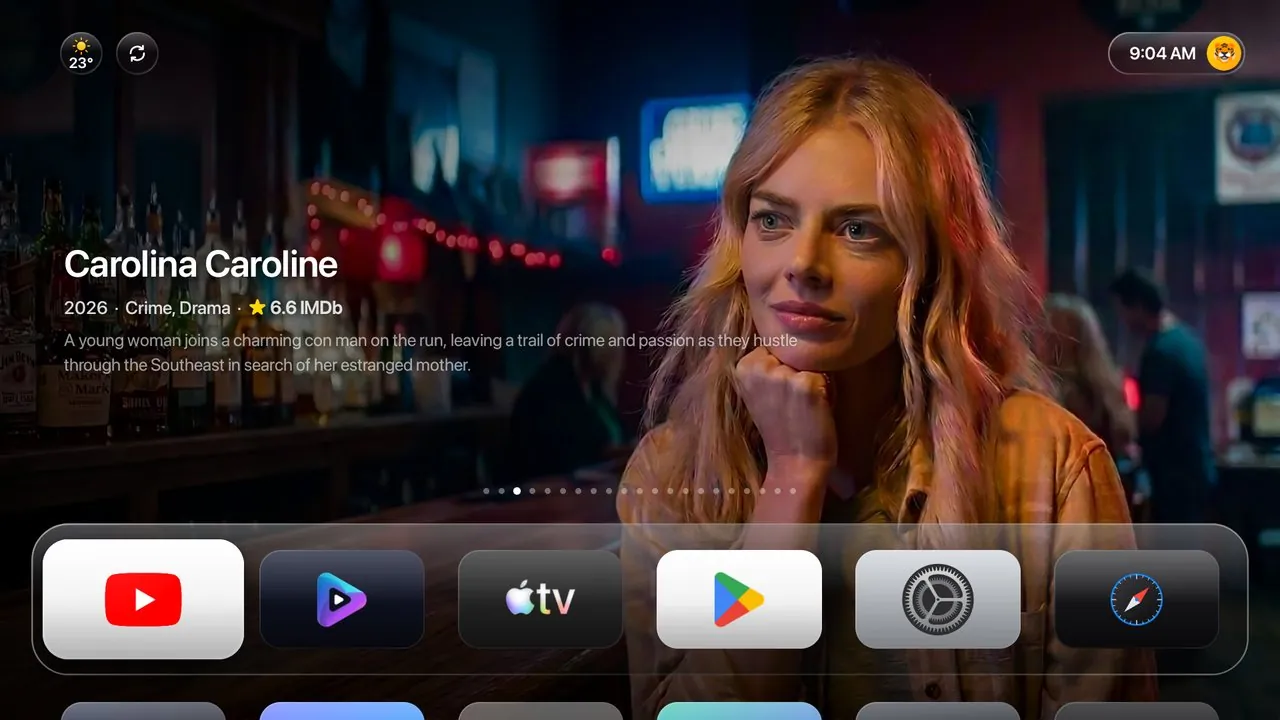
A glass dock and a hero card. Built for the remote.
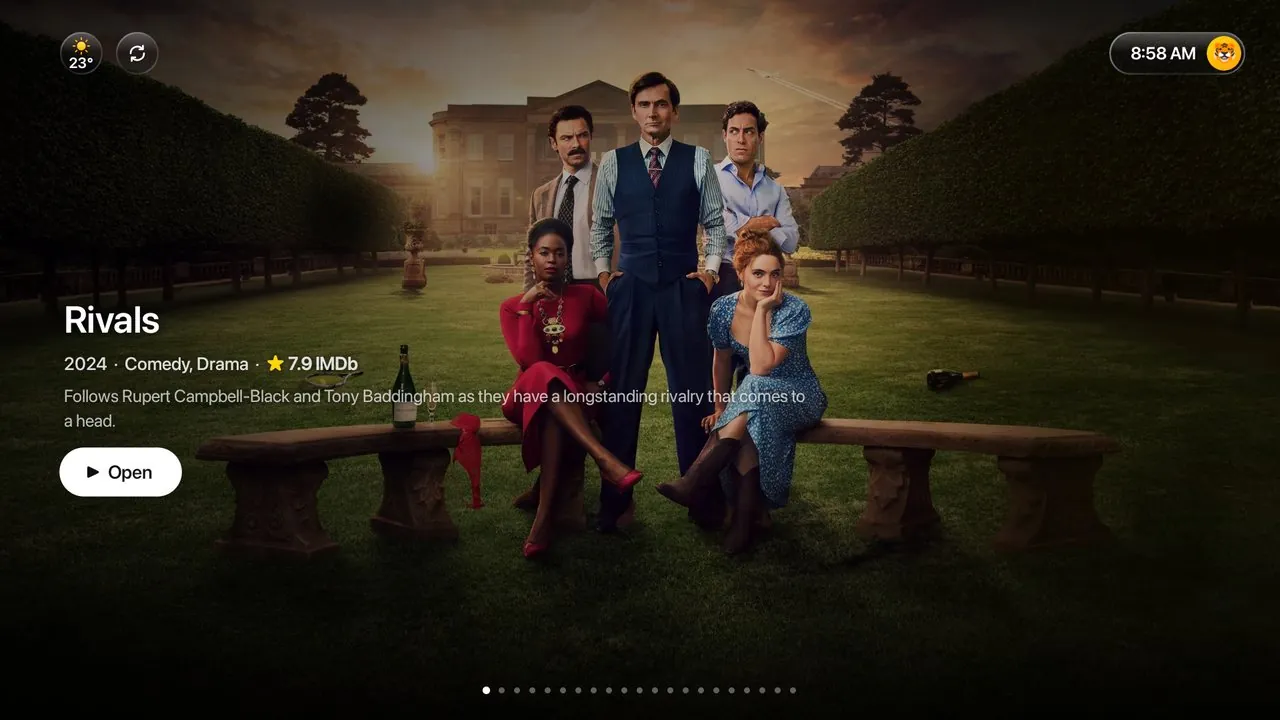
A top shelf that pages through what you watch. Recommendations and news.
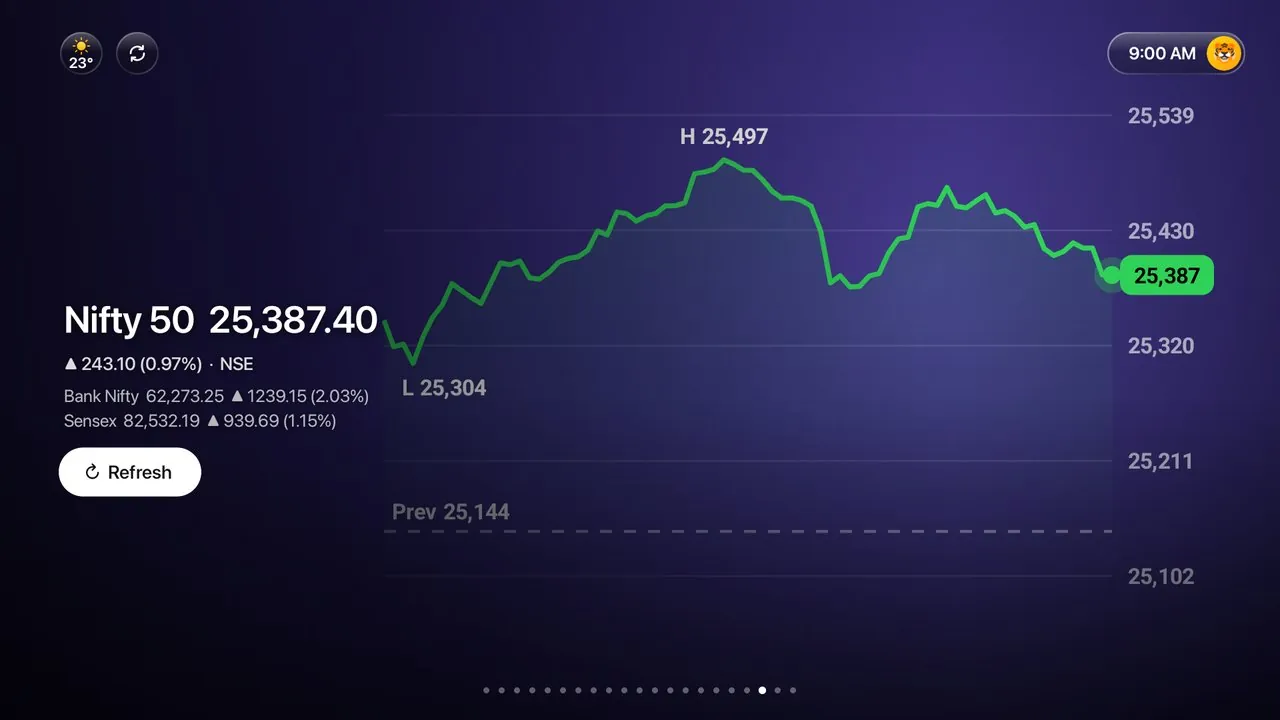
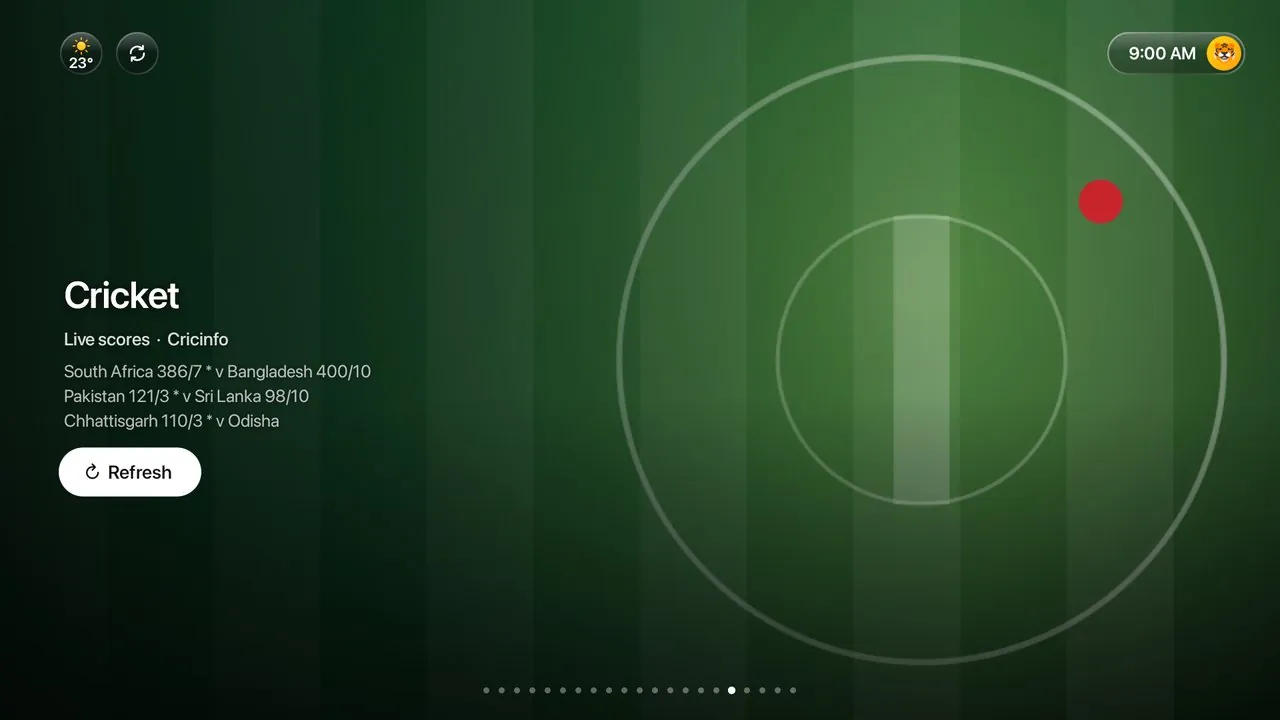
Live cards for cricket, stocks, Nifty 50, gold and mutual funds. Coming in 4.0.
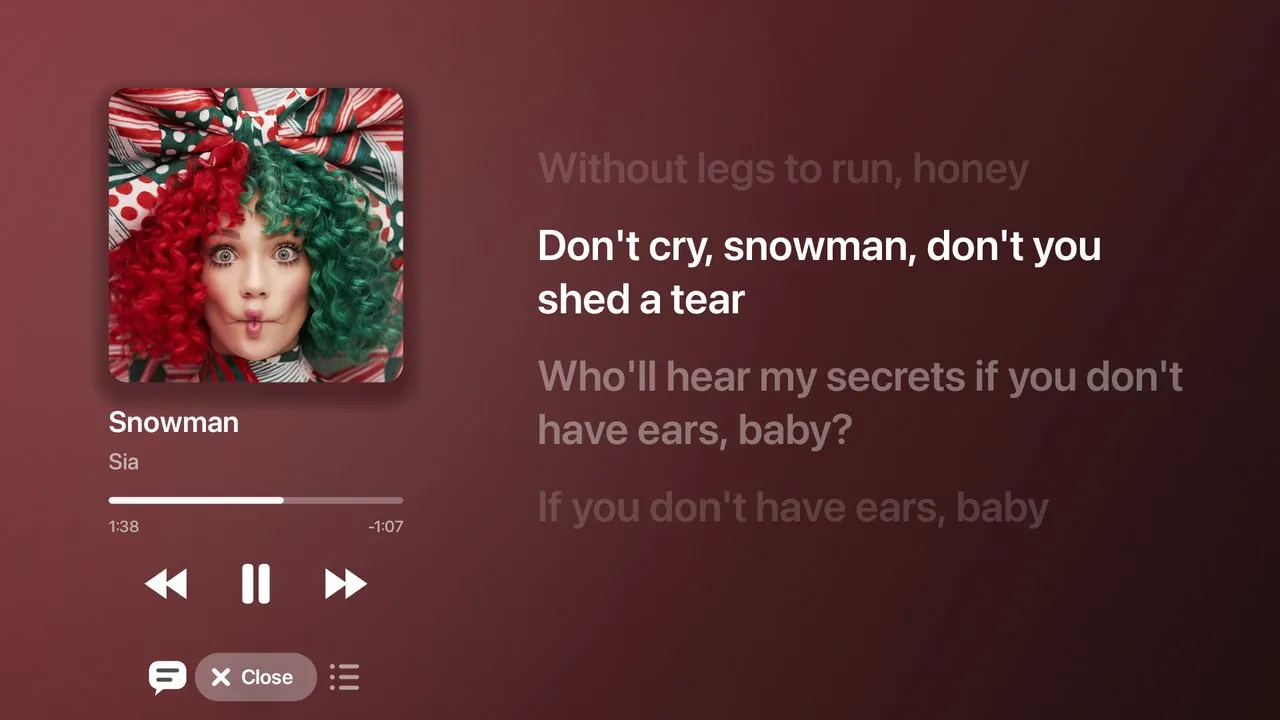
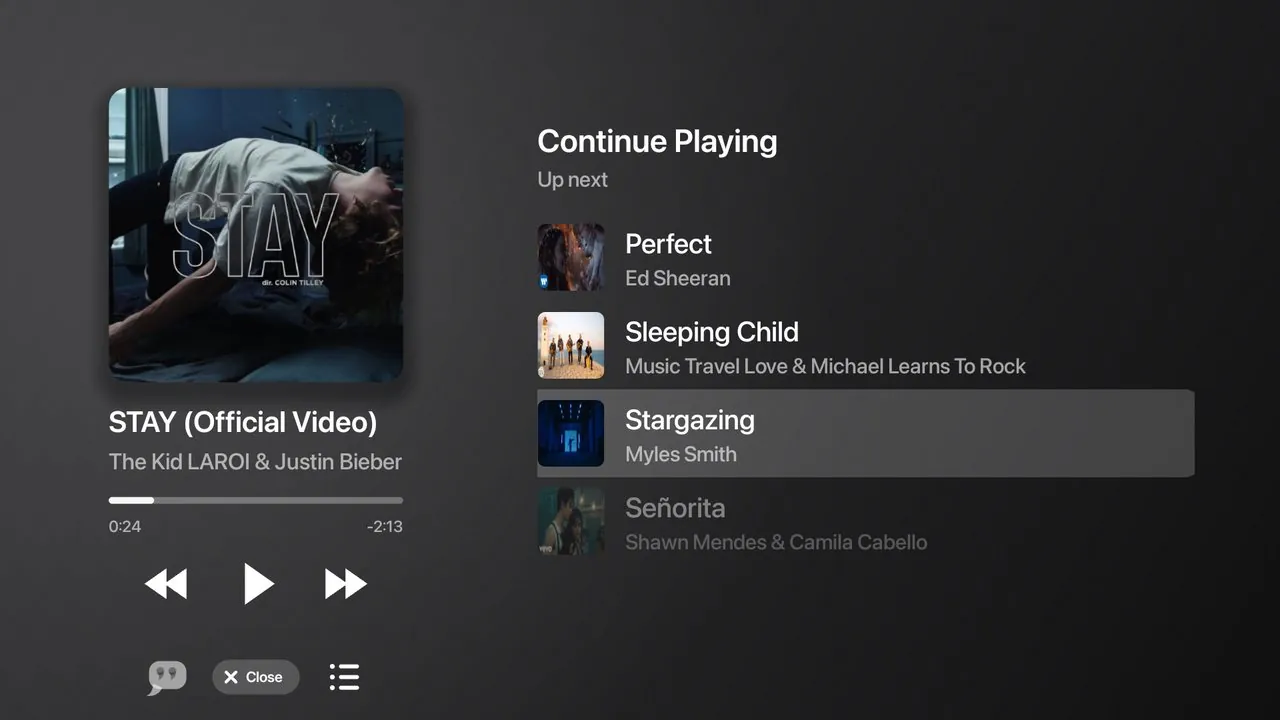
An Apple Music-style player with synced lyrics. Coming in 4.0.
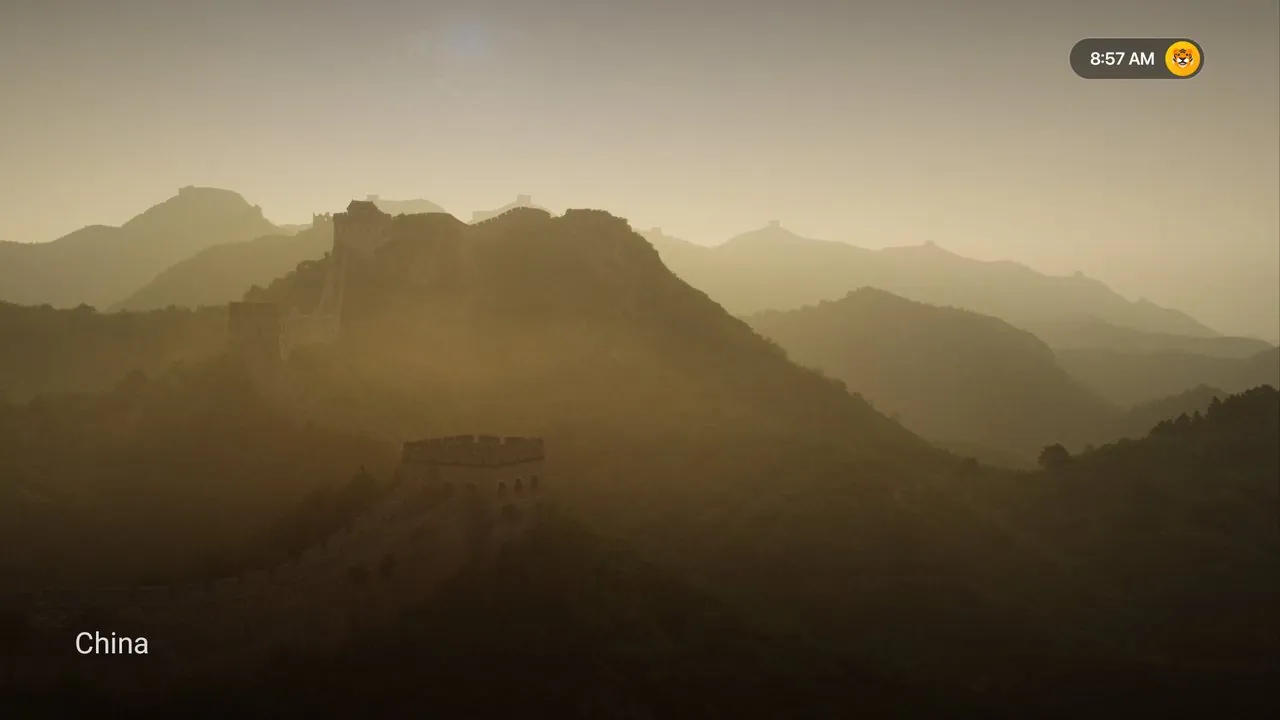
Aerial screensavers with the place named. Coming in 4.0.
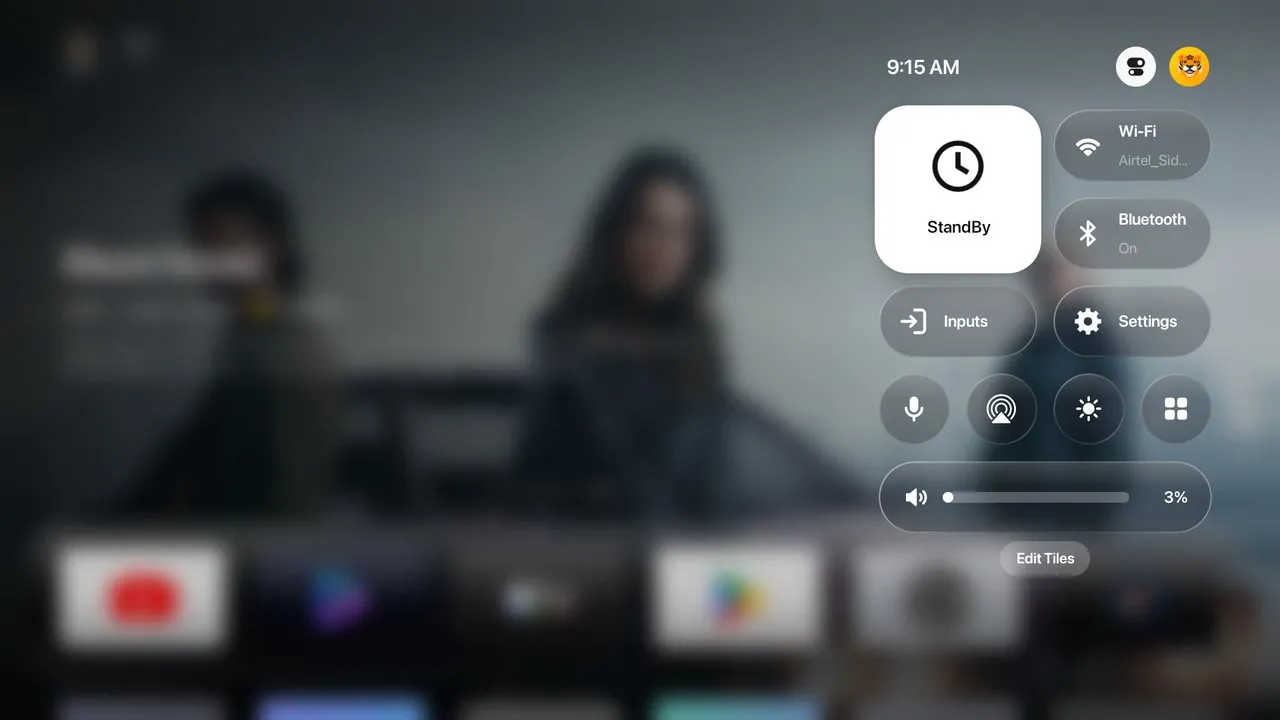
Control Center with resizable tiles. Edit them your way.
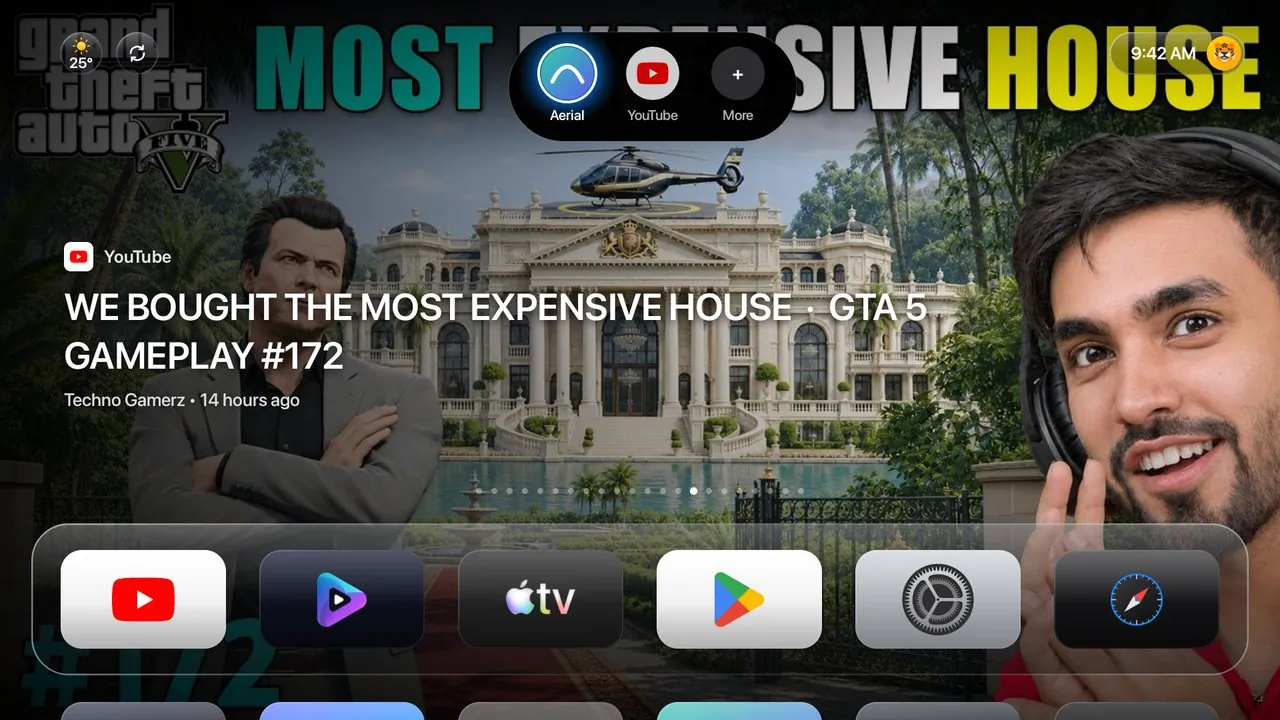
A Dynamic Island for your recent apps. Press OK to open it.
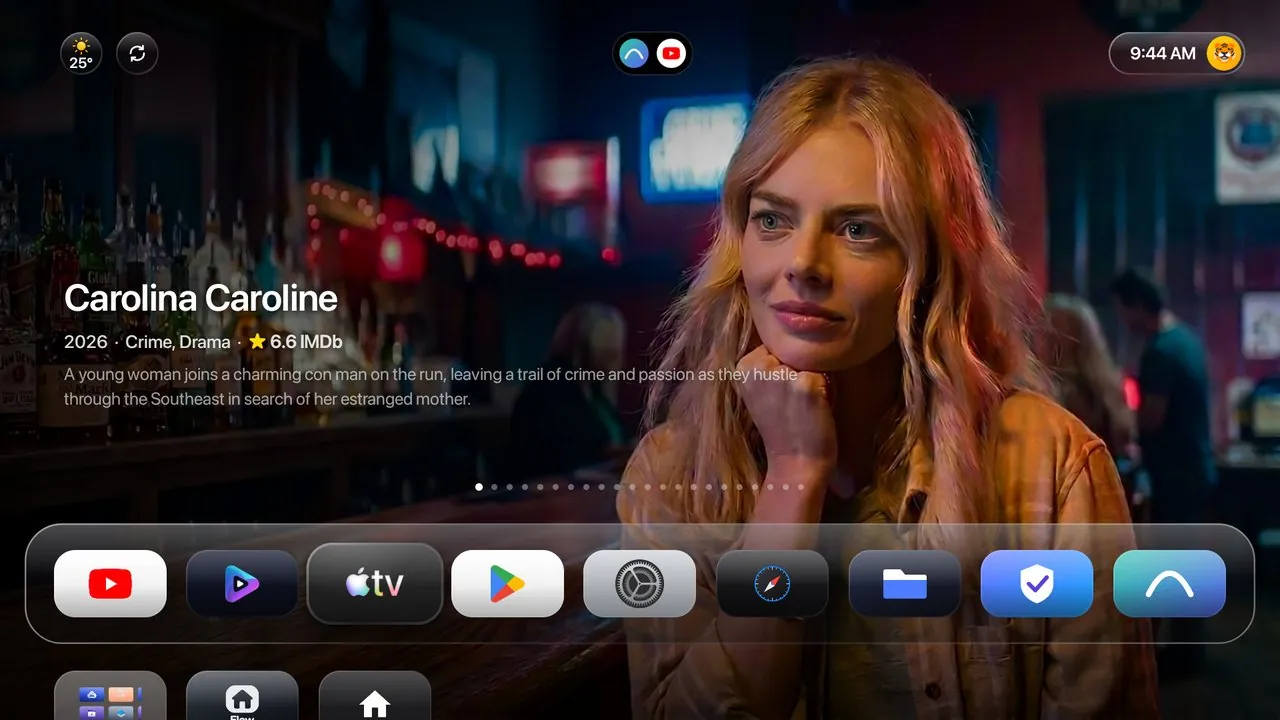
Standard or compact dock. Nine smaller tiles in a row.
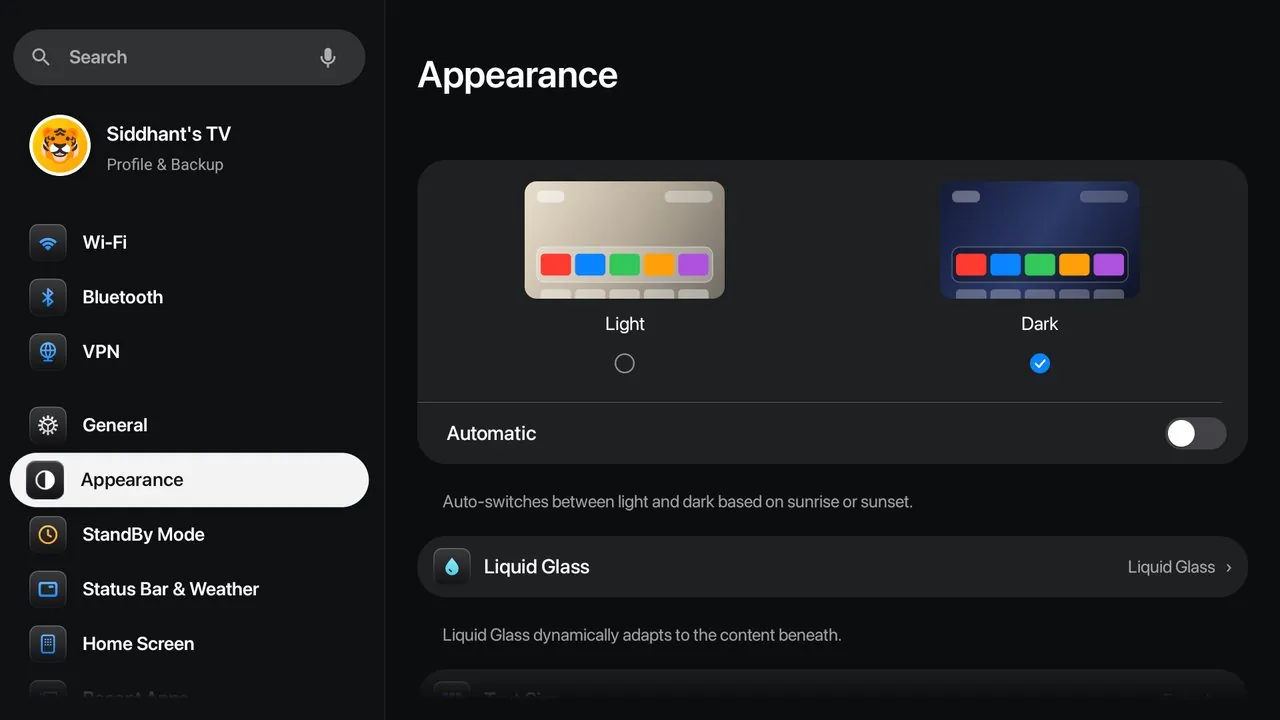
A full Settings app in light or dark. Dark and light Settings are coming in 4.0.
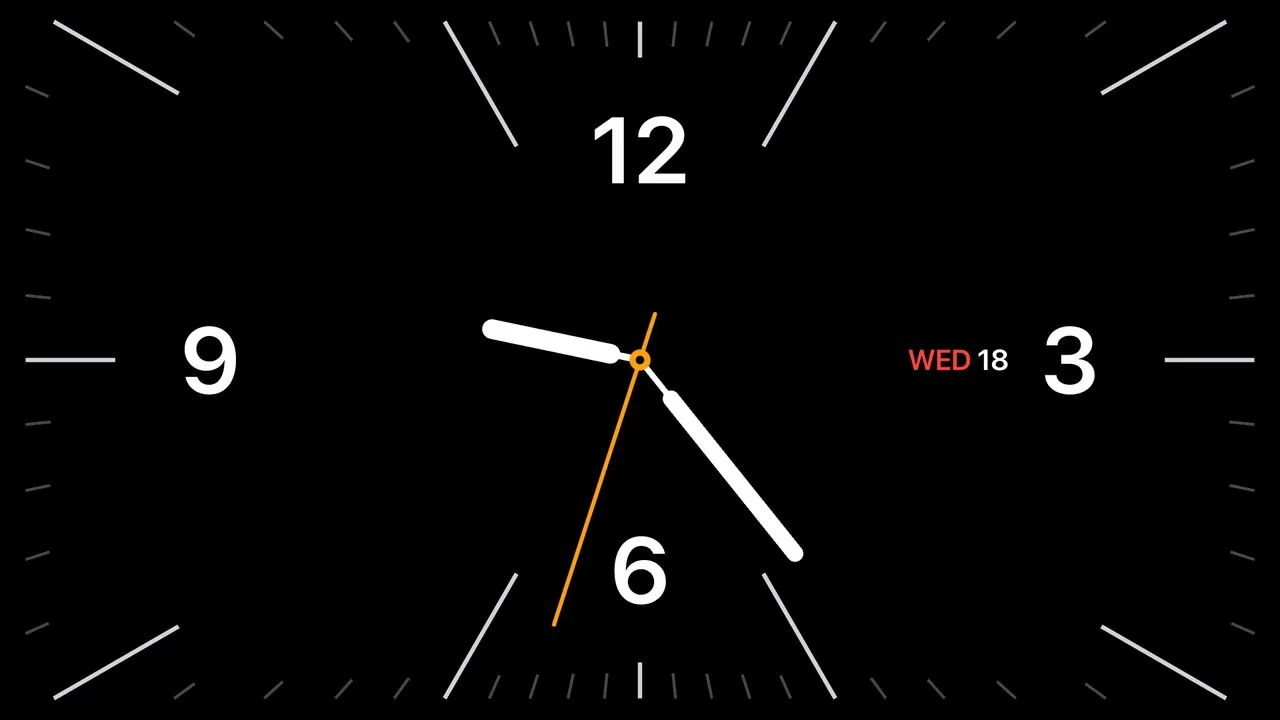
StandBy clocks for when the TV is idle. Seven styles in 4.0.
Watch the tvOS Launcher playlist on YouTube.
Two editions of the same launcher.
Recommendations, news and live cards.
Page through what is popular, the news, YouTube suggestions and live cards with the remote.

Artwork, synced lyrics and a queue.
The player opens over the hero card while a song plays.

Everything one press away.
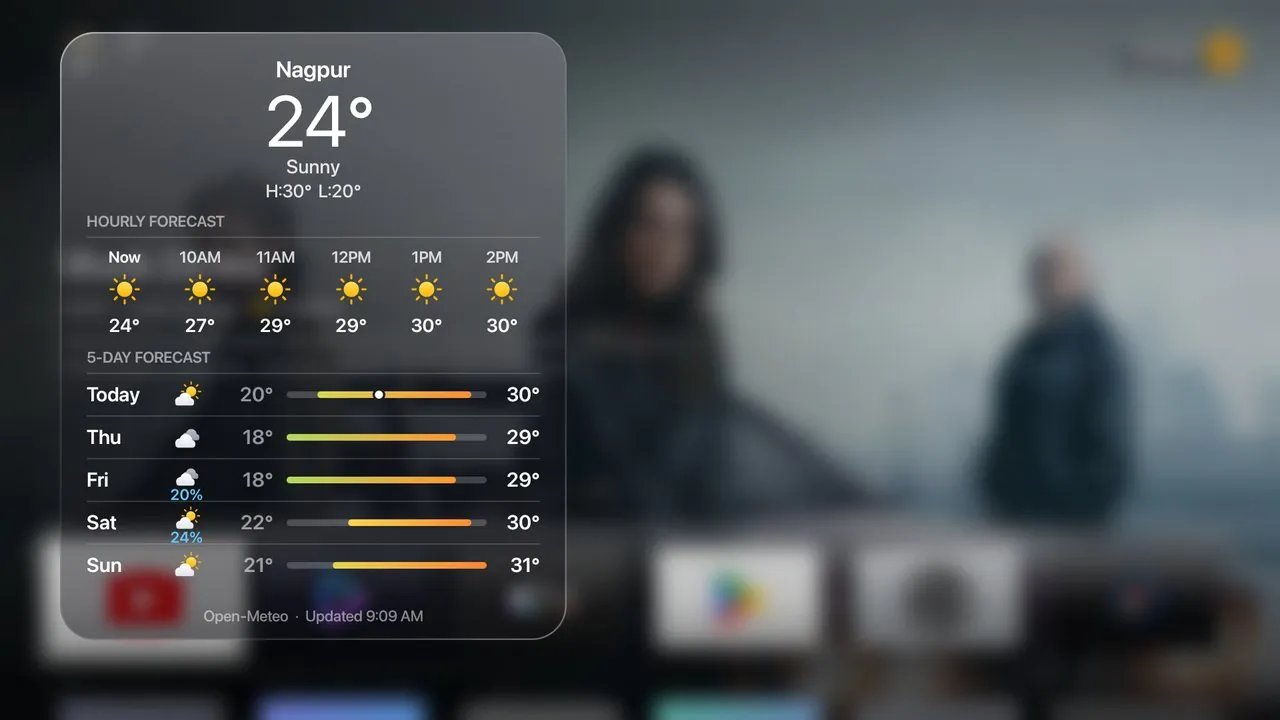
Resizable tiles, an Edit Tiles page and a weather panel with an hourly and 5-day forecast.

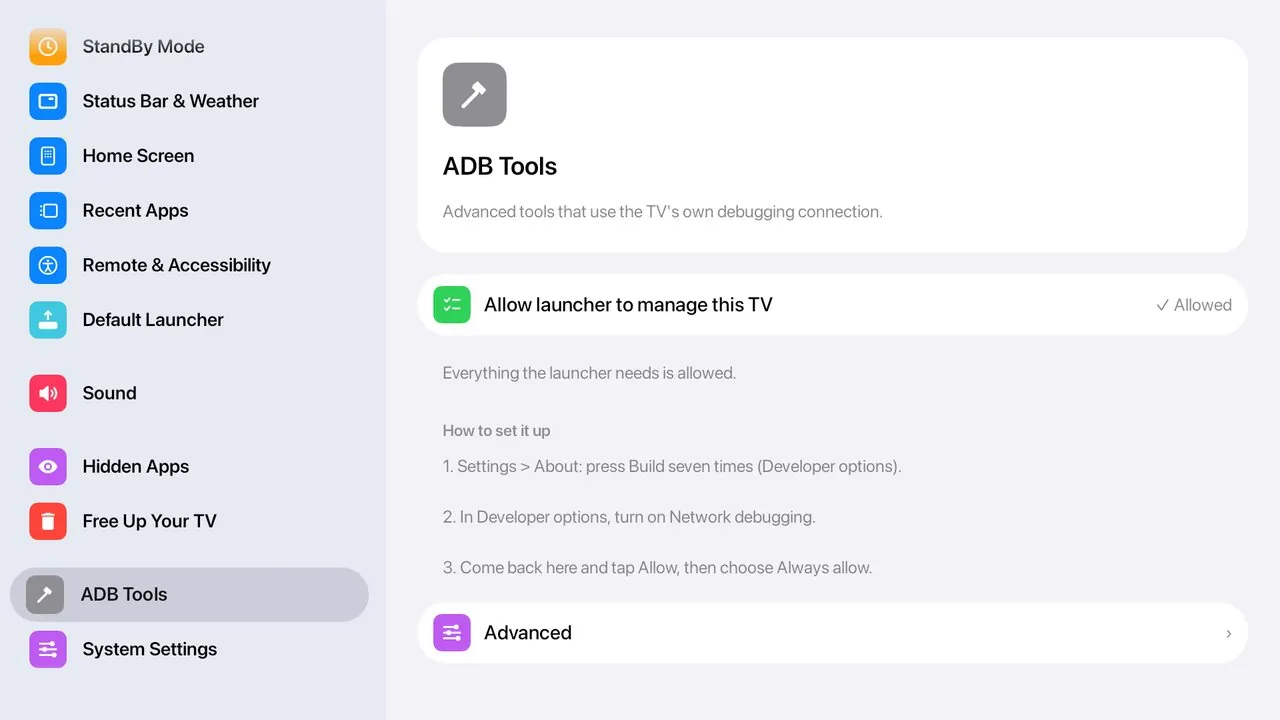
Grant permissions and free up space.
The launcher uses the TV's own debugging connection, with a step-by-step flow.

Standard installs normally. Full (sideload) adds the accessibility-based features, such as Button Remap and catching Home on Google TV.
Full needs Play Protect scanning off while you install it. Need help? Watch the install guide
Watch how to install the launcher and set it as your default.
The Standard APK installs like any other app. The Full APK is sideloaded and needs Google Play Protect scanning turned off first; the video shows how.
Release notes for tvOS Launcher.
Built 2026-11-08, with later 3.3 rebuilds (v33 on 2026-11-11, v35 on 2026-11-14) attached.
Built 2026-11-06 (later the same day as 3.1). Same feature set as 3.1: Software Update, app folders, StandBy screensaver, weather panel, online wallpapers, remote remapping, custom icons.
Built 2026-11-06. Covers 3.1 and 3.2.
Built 2026-11-05.
Built 2026-11-04.
Built 2026-11-02.
Built 2026-10-31. Standard and Full editions. Closes out the 2.0.2-2.0.5 series (Continue Watching, emoji avatars, weather, backup and restore, Dynamic Island apps list).
Built 2026-10-29. Standard and Full editions. Same feature set as 2.0.2 (Continue Watching, emoji avatars, weather, backup and restore, Dynamic Island apps list).
Built 2026-10-28. Standard build only; same feature set as 2.0.2 (Continue Watching, emoji avatars, weather, backup and restore, Dynamic Island apps list).
Built 2026-10-28. Part of the 2.0.2-2.0.5 series.
Built 2026-10-26.
Most people should start with Standard, which installs normally. Pick Full (sideload) if you want the accessibility-based features such as Button Remap. It needs Google Play Protect scanning turned off while you install it; the install video shows how.
Download the APK, then move it to the TV with a file manager app, a USB drive or a Send Files style app, and open it from the TV to install. The install video walks through it. You may need to allow installs from that app when asked.
The Full APK is sideloaded, so Google Play Protect can warn about it or block it. Turn Play Protect scanning off while you install the Full version, as shown in the install video. Standard installs like any other app from outside the Play Store.
Android TV and Google TV devices running Android 5.0 or newer.
Yes. It is designed for the remote and the big screen, so the D-pad and OK button move through the dock, Control Center and Dynamic Island. Button Remap is part of the Full version.
The install video shows how to install it and set it as your default on Android TV and Google TV.
Download the newest APK from this page and install it over the current one. Version 3.3 is the current download, and 4.0 is coming soon.
Open your TV's Settings, go to Apps, pick tvOS Launcher and choose Uninstall. If you set it as default, choose your old home screen first. Menu names vary a little by TV.
Yes. It is free and needs no account.
Version 4.0 is not released yet. Live info cards, the music player with synced lyrics, aerial screensavers, StandBy clocks and ADB Tools are marked “Coming in 4.0” and are not in the 3.3 download.